1. Keep the prompt trail
Do not separate a generated clip from the scene that produced it. Keep prompts, references, provider choices, and usage context attached so every edit decision has a recoverable source.
- Keep scene prompts and references next to each take.
- Track provider and model context for later regeneration.
- Preserve the source media that influenced the shot.
2. Compare takes before cutting
Generate or import multiple options, then compare motion, continuity, framing, and caption room before putting a take on the timeline. Regenerate only the weak scene instead of restarting the project.
- Review alternate takes at the scene level.
- Check continuity against neighboring shots.
- Regenerate one shot without resetting the cut.
3. Finish on a real timeline
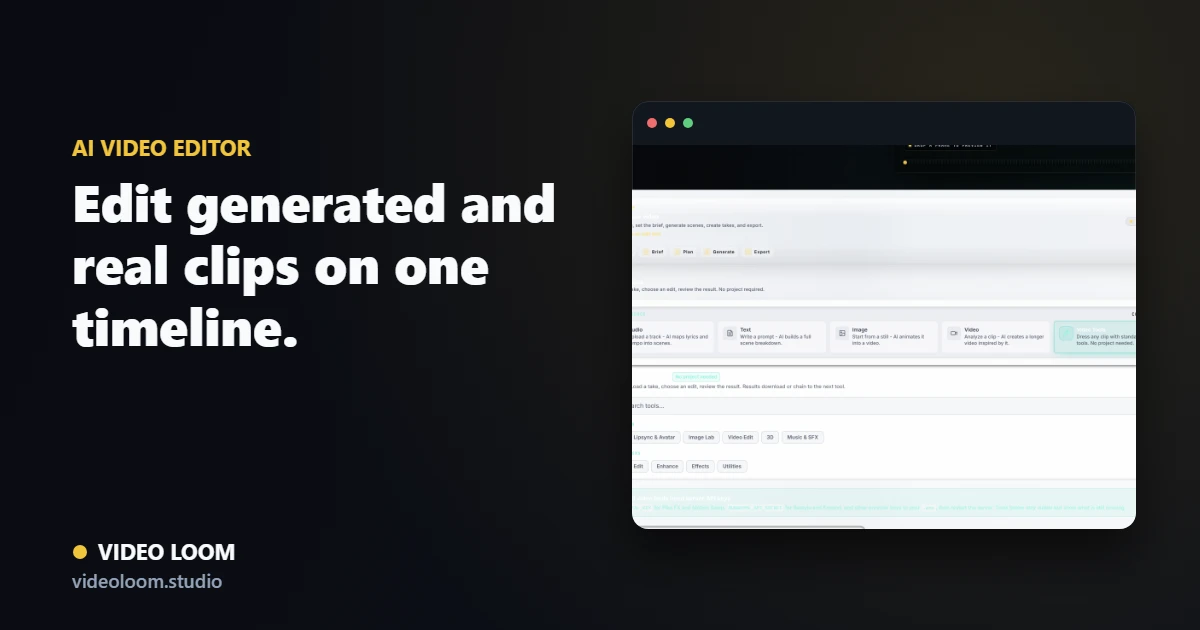
Move selected takes into a timeline with source clips, captions, audio sync, transitions, and export controls. A finished AI video is an edit, not just a folder of generated files.
- Trim, reorder, and combine generated and source clips.
- Add captions, transitions, and music or voiceover sync.
- Export a review-ready or publishing-ready cut.