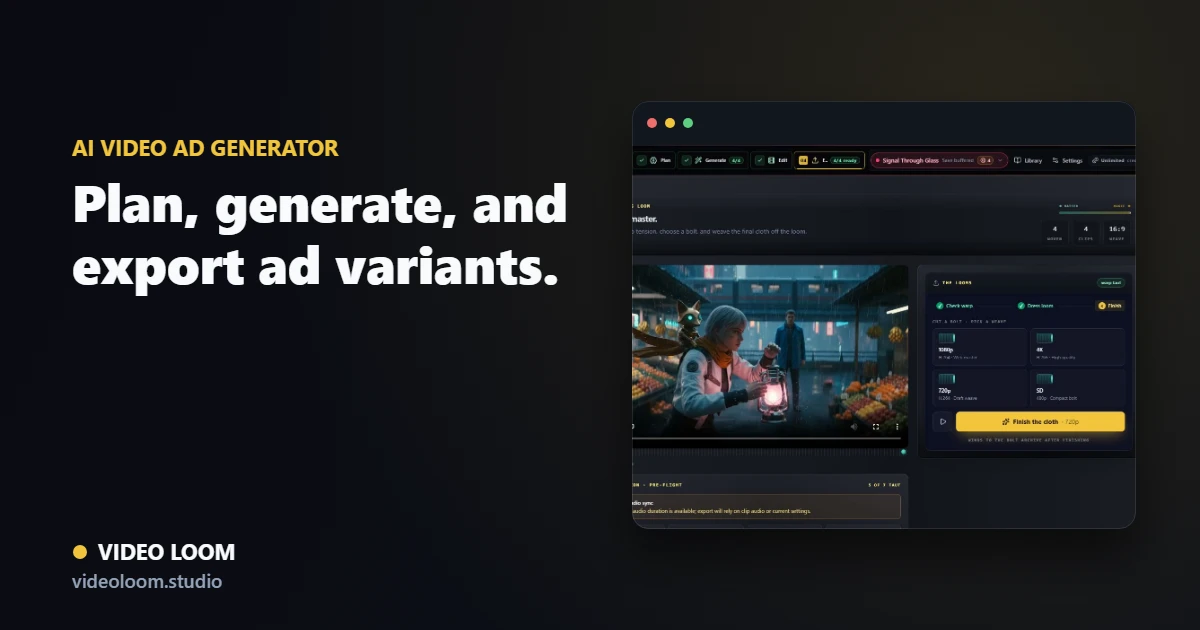
A strong AI video ad needs more than a flashy generated clip. It needs an offer, a hook, proof, captions, a clear call to action, and variants you can test. Here is how to turn an ad brief, script, product shots, or source clips into an AI-assisted video ad.
By Video Loom ·
1. Define the offer and audience
Write the audience, promise, offer, proof, constraints, and call to action before planning scenes. The goal is to make every generated shot serve the ad, not just look good.
Capture the target audience and desired action.
List claims, disclaimers, and product details that must stay accurate.
Collect product shots, source clips, brand notes, and example ads.
2. Build hook-to-CTA variants
Break the ad into hooks, problem moments, proof inserts, demo beats, payoff shots, and CTAs. Plan multiple hook and caption variants before generating so testing does not require starting over.
Map each scene to a job in the funnel.
Write captions for sound-off social viewing.
Review the storyboard before spending generation credits.
3. Generate, compare, and export
Route each scene to the provider that fits it, compare generated takes, combine source and generated clips, then export social-ready variants for paid ads, product pages, or launch posts.
Use higher-quality routes for hero shots and demos.
Compare takes without losing the campaign brief.
Export captioned variants from the same timeline.
Try the workflow
Plan your next AI video in Video Loom.
Turn the guide into a project with scene planning, provider routing, continuity, review, and export in one workspace.