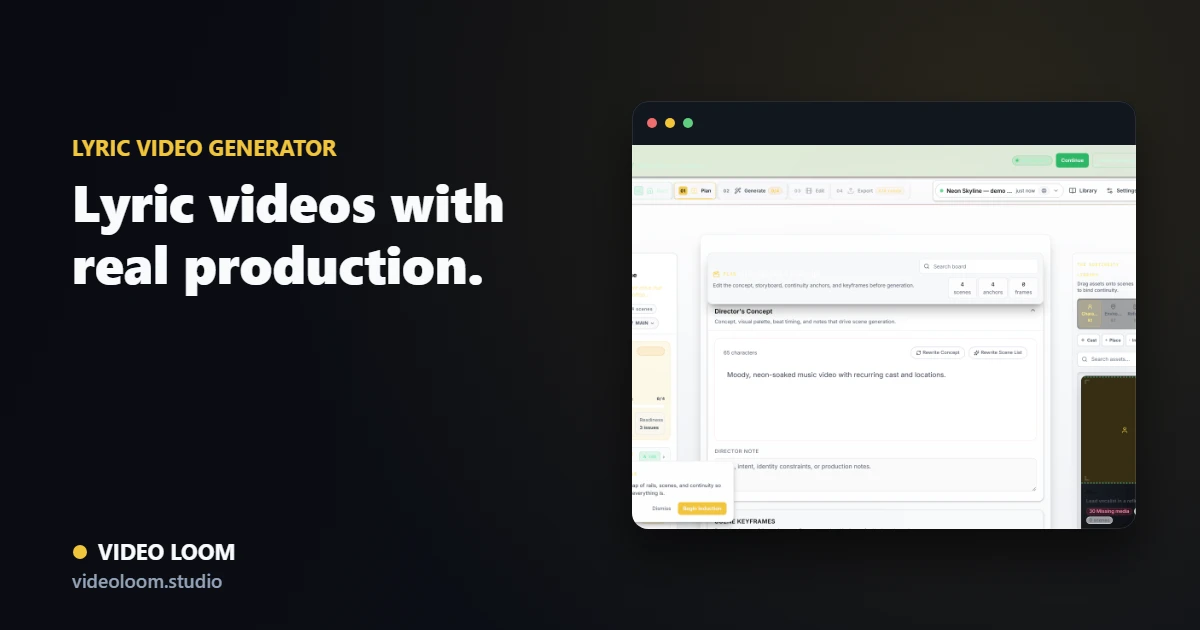
Transcribe and plan to the beat
Start with transcription and track analysis so your scenes line up with verses, hooks, and tempo. The lyrics and the visuals share the same timing.
- Transcribe lyrics from the audio.
- Plan scenes around song sections.
- Map caption timing to the track.
Generate visuals per section
Generate supporting video for each lyric section while keeping a consistent look. Style references hold the visual language across the whole piece.
- Tie scene prompts to lyric sections.
- Use references for a consistent look.
- Route shots by quality tier.
Caption and export
Place captions on the timeline with karaoke or social styles, then export a finished lyric video aligned to the source audio.
- Add burned-in or sidecar captions.
- Use karaoke-style highlighting.
- Export a synced, finished cut.