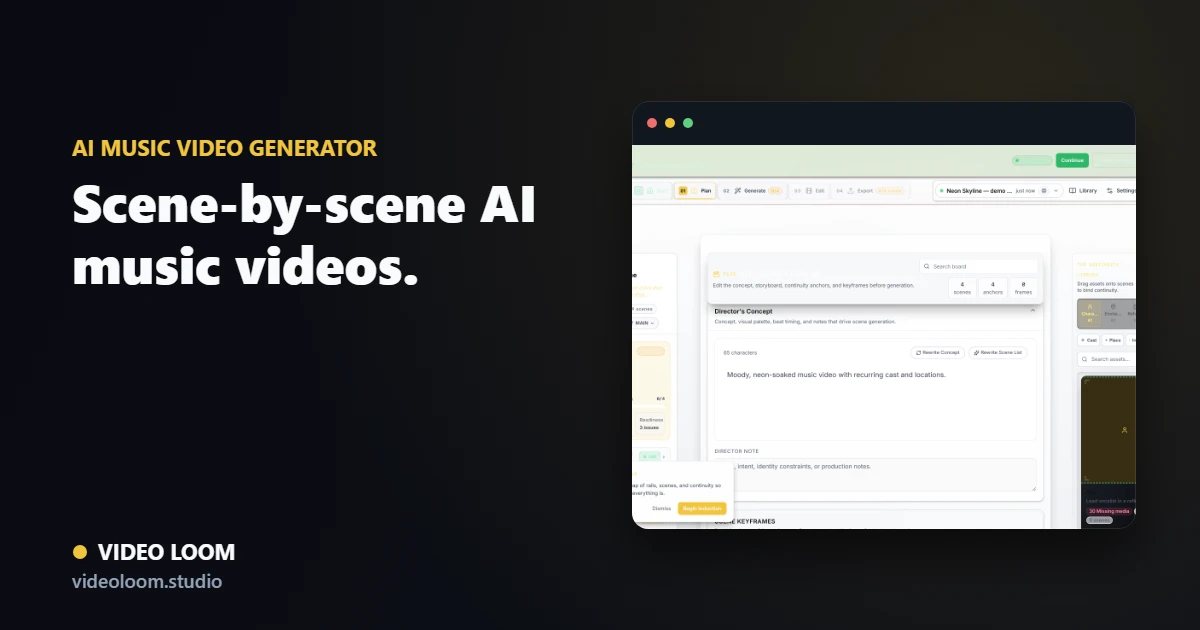
Video Loom moves from a track, lyric idea, image, or source clip into a structured music video plan. Build the storyboard, keep continuity under control, generate takes with the right providers, review the work, and assemble the result on a real timeline.
Upload or describe the track, lean on transcription and mood cues, then convert verses, hooks, bridges, and beats into timed scenes that match the music instead of fighting it.
Audio transcription with mood, tempo, and theme extraction.
Verse, hook, and bridge sections mapped to timed shots.
Lyric-aware pacing for caption and performance moments.
Plan before you generate
Video Loom builds a scene plan with visual direction, camera language, continuity notes, and prompts so every generation has a production purpose, duration, and review target.
Shot prompts and camera notes you can review before spend.
Continuity anchors for recurring cast and locations.
Readiness checks before any long-running video job.
Route shots, then finish the edit
Send each scene through the provider that fits it, then bring generated clips and imported footage into a timeline with audio sync, captions, review context, and export controls.
Per-scene provider and model selection.
Timeline assembly with transitions and synced audio.
Export-ready music videos from the same project.
Search route
Use this page when the search starts with AI music video generator.
Turn songs, lyrics, references, and source clips into planned AI music videos with continuity, provider routing, review, and timeline export. The related searches below describe the same production job with different buyer language.
Primary intentAI music video generator
Turn songs, lyrics, references, and source clips into planned AI music videos with continuity, provider routing, review, and timeline export.
Related searchAI music video maker
AI music video maker maps to AI music video generator workflows in Video Loom.
Related searchmusic video generator AI
music video generator AI maps to AI music video generator workflows in Video Loom.
Related searchmusic video AI
music video AI maps to AI music video generator workflows in Video Loom.
Related searchgenerate a music video from a song
generate a music video from a song maps to AI music video generator workflows in Video Loom.
Yes. The music workflow analyzes audio, plans scenes, generates clips, and assembles them against the original track.
Can I make a full-song AI music video?
Yes. Video Loom is built for full-song planning: map verses, hooks, bridges, drops, and outros into scene groups, then generate and assemble the video scene by scene.
Can I create a music video from lyrics?
Yes. Paste or transcribe lyrics, turn lyric sections into timed visual beats, and keep caption, performance, and story moments aligned with the song.
Can I use my own footage, images, or reference art?
Yes. Source clips, still images, style references, characters, locations, and uploaded audio can stay attached to the project so generated shots have production context.
Is this different from an AI music visualizer?
Yes. A visualizer usually reacts to audio with one repeating look. Video Loom plans a multi-scene music video with prompts, continuity, provider routing, take review, timeline editing, and export.
Who is the AI music video generator for?
Directors, editors, agencies, artists, and creator teams who need more control than a single text-to-video prompt: recurring characters, locations, lyric timing, and multiple takes per scene.