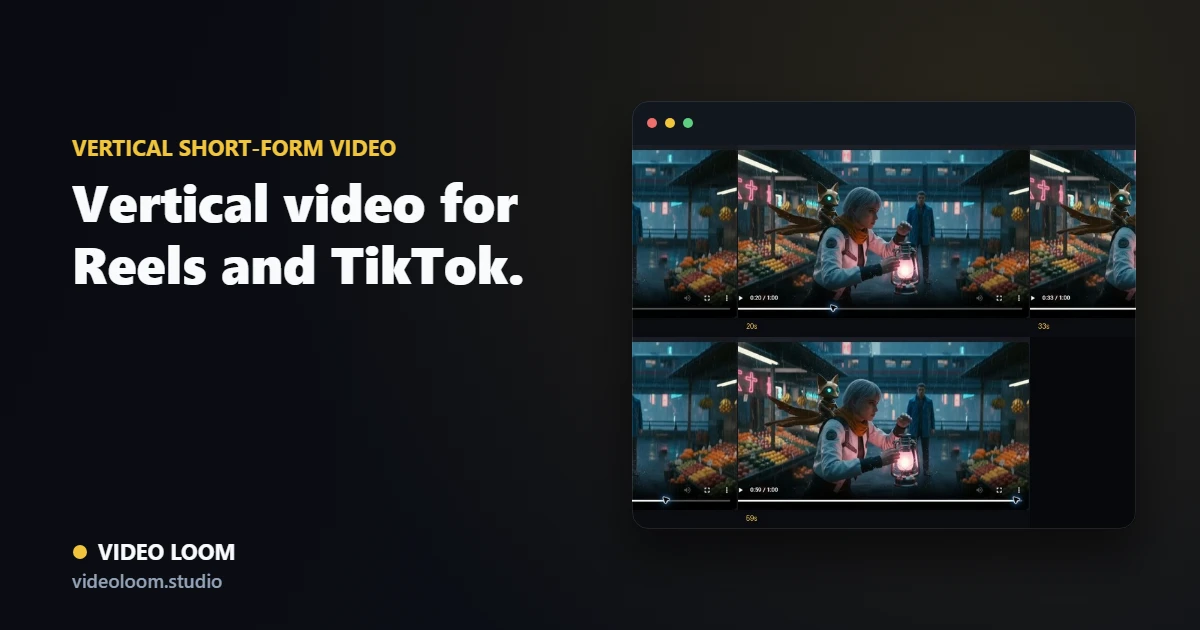
Vertical short-form video works best when the project is planned for 9:16 from the first scene. Here is how to turn a track, script, or brief into a Reels, TikTok, or YouTube Shorts-ready cut without relying on a late crop.
By Video Loom ·
1. Plan the vertical frame first
Choose a 9:16 aspect ratio before writing prompts so faces, products, captions, and camera moves are composed for the phone screen. Treat each beat as a short scene instead of shrinking a wide video after generation.
Set 9:16 before generation.
Break the idea into short, timed beats.
Write prompts around vertical framing and closeups.
2. Build captions into the edit
Captions are part of the creative system for social video. Use transcription and beat-aware timing to place readable lines on the timeline, then keep generated motion clear enough that text does not fight the shot.
Transcribe the track, voiceover, or script.
Use caption styles that fit quick viewing.
Review every cut on a vertical timeline.
3. Keep a series consistent
Short-form campaigns often need multiple posts with the same performer, product, world, or visual language. Continuity anchors and references keep generated clips from resetting the look between posts.
Reuse cast, product, and style references.
Route each shot by quality and cost.
Export vertical cuts for Reels, TikTok, and Shorts.
Try the workflow
Plan your next AI video in Video Loom.
Turn the guide into a project with scene planning, provider routing, continuity, review, and export in one workspace.