
Video Loom

Explainer video generator

Turn a script into an explainer video.

Start from a written brief or script. Video Loom plans text-to-video scenes, adds AI voiceover and captions, keeps the look consistent, and finishes the cut on a real timeline.

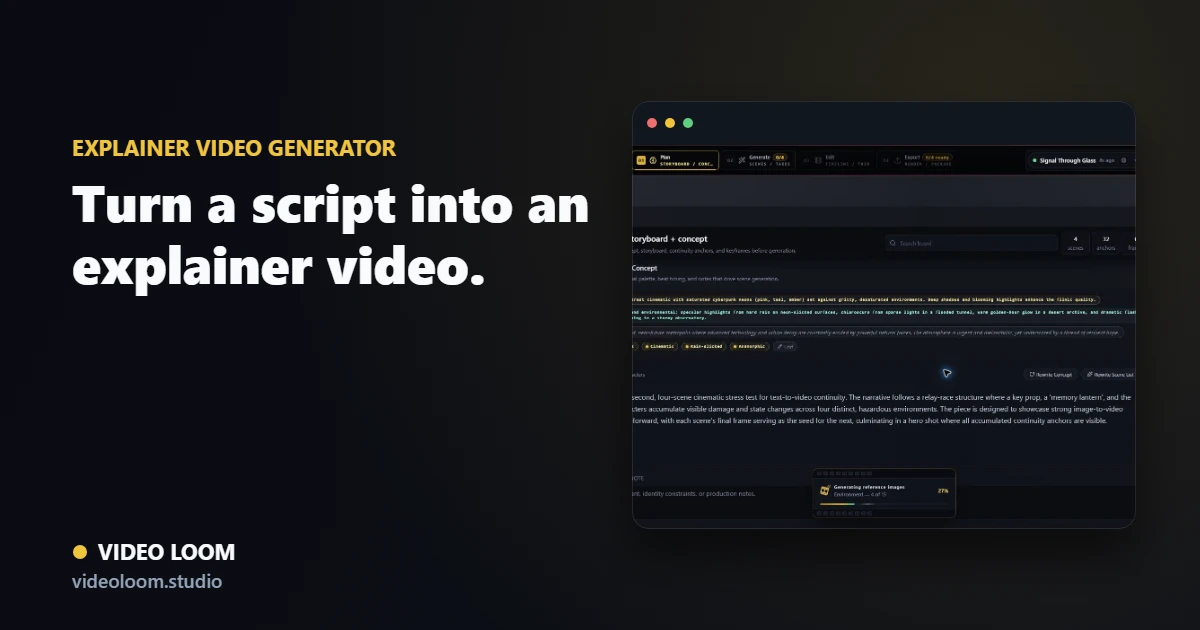
Video Loom explainer-video storyboard with voiceover and caption scenes

Plan from a script or brief

Paste a treatment or script and turn it into timed text-to-video scenes with shot prompts and visual direction before any provider spend.

  • Text-to-narrative planning for briefs and scripts.
  • Timed scenes with shot prompts and camera notes.
  • Readiness checks before long-running jobs.

Add voiceover and captions

Generate AI voiceover and place captions aligned to the audio so the explainer reads clearly without a separate narration pass.

  • AI voiceover with selectable voices.
  • Captions aligned to the narration track.
  • Continuity anchors for recurring brand elements.

Route shots, then finish

Send each scene through the provider that fits it, then assemble generated clips and any source media on a timeline for a synced export.

  • Per-scene provider and model routing.
  • Timeline assembly with transitions and synced audio.
  • Export-ready explainer videos from one project.

Questions

What teams ask before opening the app.

Can I make an explainer video from text?

Yes. Text-to-video planning turns a script or brief into timed scenes, and you can add AI voiceover and captions before assembling the cut.

Does Video Loom generate the voiceover?

Yes. The workflow includes AI text-to-speech voiceover with selectable voices that you can align to captions and the timeline.