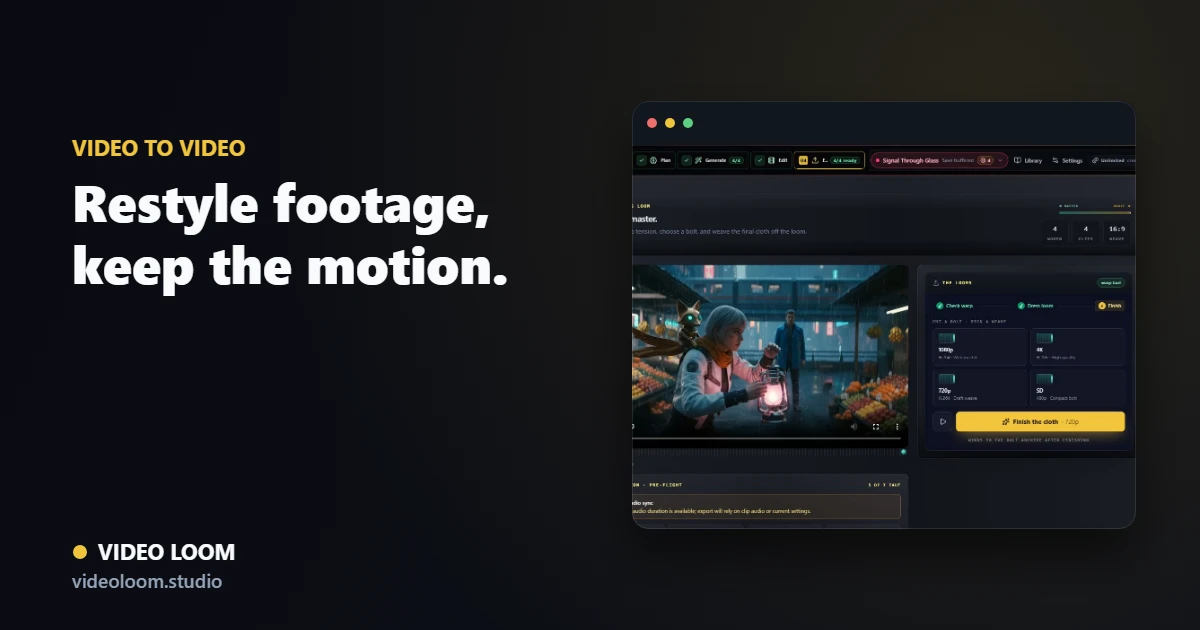
Bring your clip in
Import the source footage and attach it as the driving video for a video-to-video or motion-transfer shot. The original motion is preserved while the style changes.
- Ingest the source clip.
- Choose restyle or motion transfer.
- Set a target look with references.
Restyle with control
Steer the new style with references and prompts, and keep it consistent with surrounding shots so the restyle does not stand out from the cut.
- Use style references and palette rules.
- Hold continuity with connected shots.
- Compare takes before committing.
Refine in Creator Studio and finish
Use Creator Studio for region-level edits, then assemble the restyled clip with the rest of your media on a timeline and export.
- Mask and edit regions in Creator Studio.
- Assemble on one timeline.
- Export a synced, finished cut.