Bring your footage in
Ingest a source clip and attach it as the driving video for a video-to-video or motion-transfer shot.
- Video ingest into the timeline.
- Restyle and motion-transfer paths.
- Per-scene model overrides.
 Video Loom
Video to video
Bring a clip into the project and restyle it with video-to-video, keep continuity with the rest of the cut, and export from the same timeline.
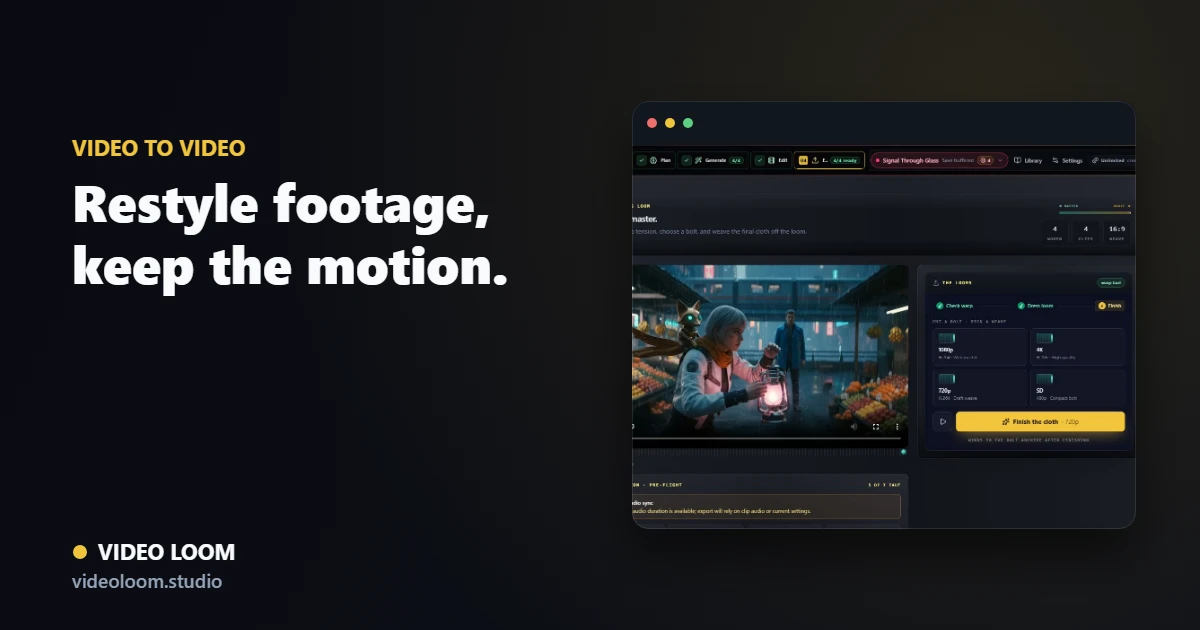
Ingest a source clip and attach it as the driving video for a video-to-video or motion-transfer shot.
Change the visual language while preserving the motion, and keep the new look consistent with surrounding shots.
Restyled clips join generated and source media on one timeline for captions, transitions, and export.
Questions
Yes. Video-to-video restyles the look while preserving the source motion, with provider routing per shot.
Creator Studio includes selective edit and masking tools for region-level changes alongside full-clip restyle.