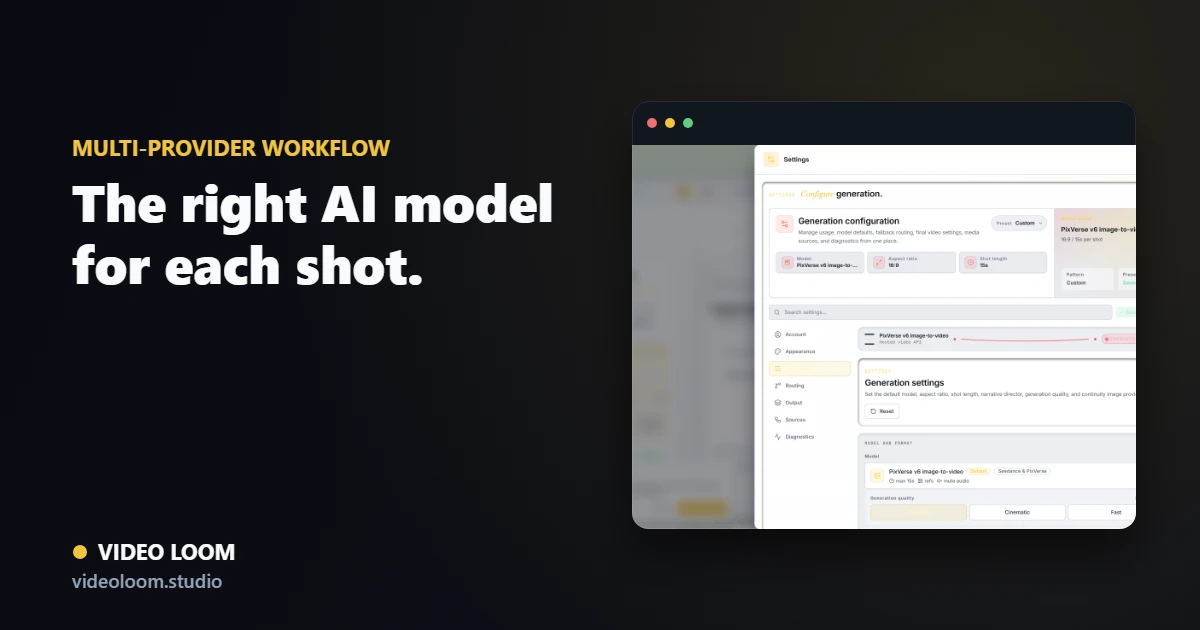
Different models, different strengths
A performance closeup, an abstract lyric visual, a bridge transition, and a source restyle can each call for a different model. Cloud, hosted, and local model routes all have shots they do best.
- Cloud APIs for speed and scale.
- Hosted inference for specialized model coverage.
- Per-shot quality and cost trade-offs.
Why routing beats lock-in
Locking into one model caps you at its tier, cost, and feature set. Routing each shot to the provider that fits it keeps quality high and cost in check across a whole video.
- Match the model to the shot.
- Fall back when a provider is busy.
- Track cost context per take.
Put it in a production workflow
The generators make clips; a workspace turns them into a finished video. Planning, continuity, review, and timeline finishing are what make multi-provider output cohere.
- Plan scenes before generating.
- Keep continuity across providers.
- Finish and export from one project.