Provider routing starter
Open the starter when a project needs different models for different jobs: performance shots, product proof, source-video restyles, transitions, social cutdowns, or abstract visual sections.
- Map shot goals, aspect ratios, source media, and delivery formats before generation.
- Decide where cloud video, hosted inference, image-to-video, and source-video routes fit.
- Move selected takes into captions, audio sync, review, and export.
Model choice at the shot level
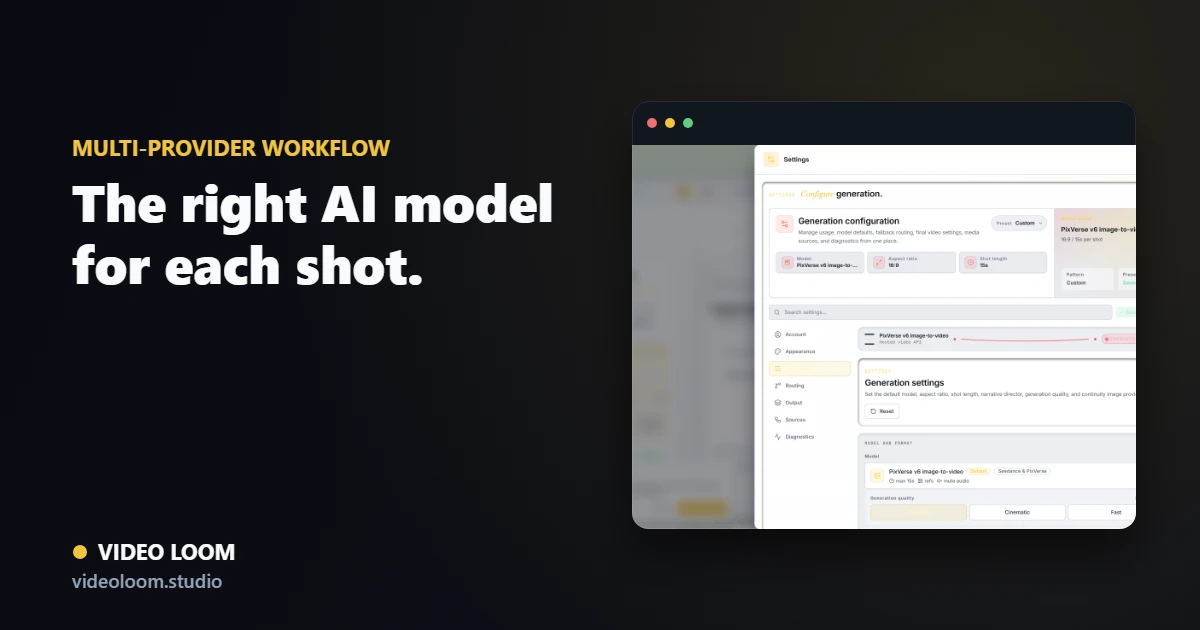
A performance closeup, an abstract lyric visual, a bridge transition, and a source-video restyle may each need a different model. Video Loom keeps that routing inside the project.
- Per-scene provider and model overrides.
- Fallback chains for configured adapters.
- Provider status, usage estimates, and diagnostics in the workspace.
Continuity travels with the request
Provider calls can receive the scene prompt plus available references, source media, continuity cues, and previous-shot context.
- Reference frames and continuity anchors.
- Text, image, and source-video paths.
- Take metadata for review and retry decisions.
Cloud and hosted providers in one project
Route across configured cloud video APIs and hosted inference for speed, capability coverage, cost-sensitive shots, and recoverable production workflows while preserving a single project and timeline.
- Configured cloud and hosted provider adapters with per-scene routing.
- Hosted model catalog plus fallback-aware generation.
- Cloud persistence and recoverable jobs where supported.
- Format-ready timeline exports from the same project.