Plan before you route
Storyboard the track into timed scenes so each Veo generation has a role, a duration, and continuity context.
- Timed scenes from the song.
- Shot prompts and camera notes.
- Readiness checks before spend.
 Video Loom
Veo music video
Video Loom can route shots to Veo as part of a complete production: storyboard the song, keep continuity, generate takes, and finish the cut on a timeline.
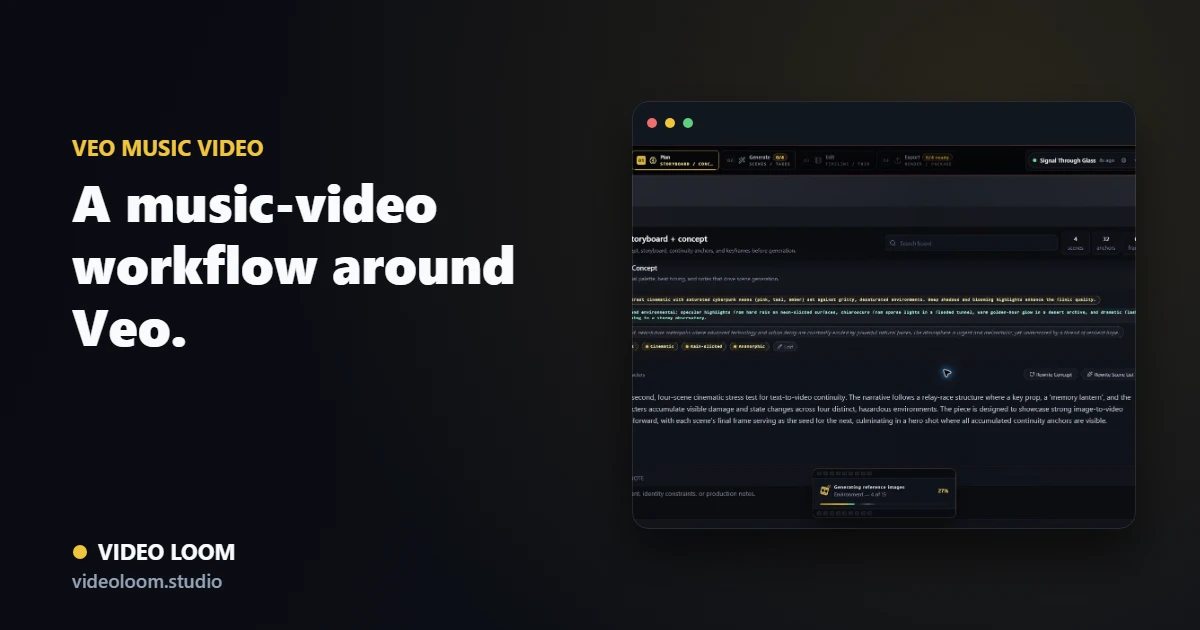
Storyboard the track into timed scenes so each Veo generation has a role, a duration, and continuity context.
Send the shots that suit Veo while other scenes can use the provider that fits them best.
Veo takes join the timeline with captions and audio sync for a finished, export-ready music video.
Questions
Yes. With cloud video configured, shots can route to Veo as part of a multi-provider music-video workflow.
Yes. Per-scene routing lets you use Veo for some shots and other providers where they fit better.