Set up anchors before the story
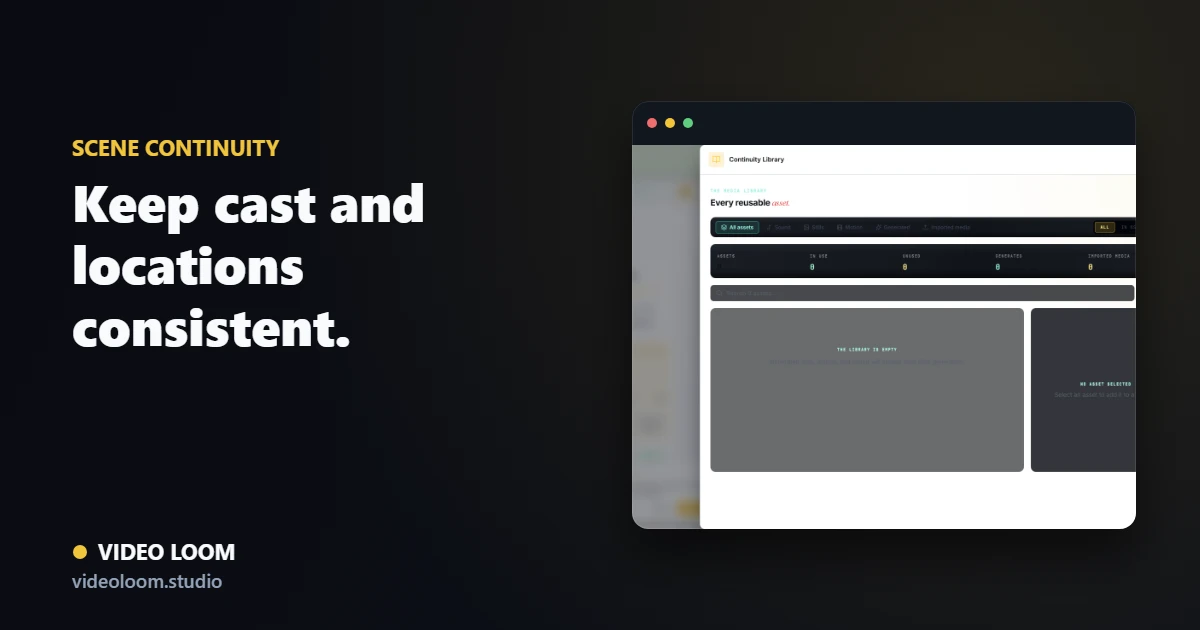
Create your recurring cast and locations as continuity anchors first, with reference images and locked descriptions, then bind the narrative to them. The story then references real, reusable elements rather than re-inventing them each scene.
- Define cast and locations as reusable anchors.
- Add reference images and canonical descriptions.
- Bind scenes to the anchors they use.
Carry context between shots
Use reference frames and last-frame continuity so each shot inherits the look of the one before it. Connected shots then actually look connected.
- Pass the previous frame into the next shot.
- Reuse the same references across a sequence.
- Group scenes that share an environment.
Revise without resetting
When you regenerate a single shot, the anchors stay attached so the rest of the video holds. Continuity survives the iteration that AI video always needs.
- Regenerate one shot, keep the rest.
- Lock canonical descriptions for recurring cast.
- Review continuity before and after generation.