
Video Loom

AI video storyboard

Storyboard AI video before spending on generation.

Video Loom shapes the production plan first, so every generated take has a role, a duration, a visual target, and continuity context before any long-running job runs.

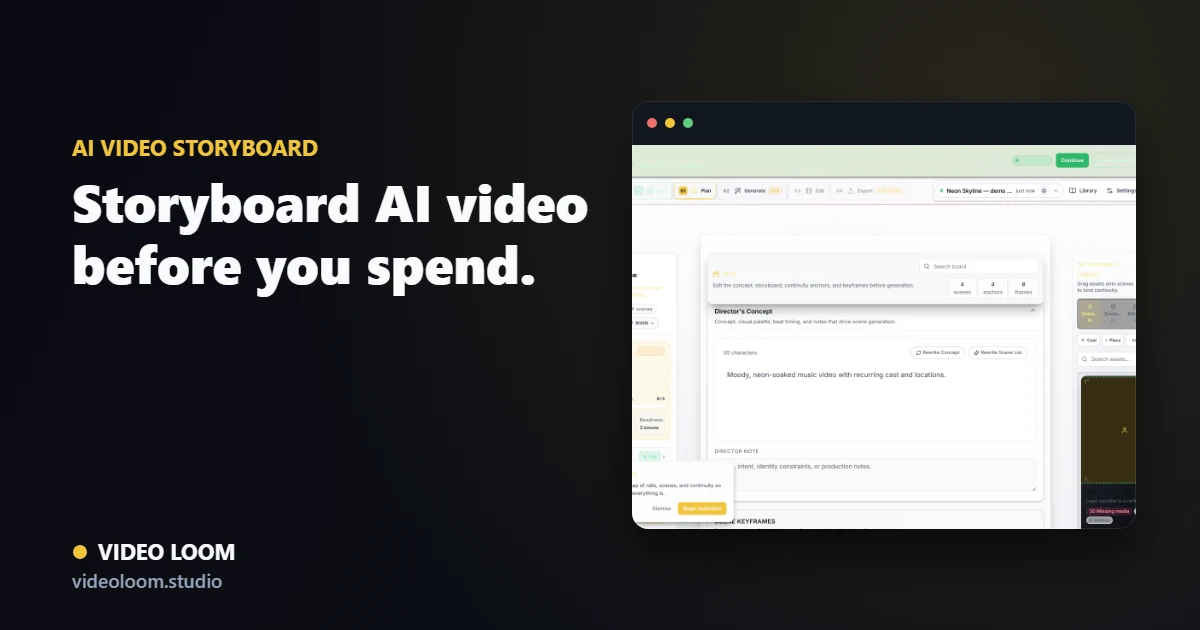
AI video storyboard with timed shots, references, and camera notes in Video Loom

Scene planning for real revisions

Break long ideas into manageable shots with titles, descriptions, actions, camera angles, durations, references, and generation status.

  • Shot-level prompts and camera language.
  • Duration planning for music-video sections.
  • Batch readiness checks before generating.

Continuity built into the board

The storyboard carries cast, environments, references, keyframes, and source media so the plan and the generation context stay aligned.

  • Character and environment references.
  • Visual reference roles per scene.
  • Keyframe and source-video context for i2v / v2v shots.

From direction to providers

Storyboard details become provider-ready generation inputs, shrinking the gap between client-approved direction and AI-video execution.

  • Per-scene model and provider overrides.
  • Fallback chains and recoverable job IDs where available.
  • Take metadata for cost, status, and review.

Questions

What teams ask before opening the app.

Can I edit the storyboard after generation?

Yes. Scene details, prompts, takes, and timeline assembly remain part of the project so revisions continue after initial generation.

Why storyboard AI video first?

Planning reduces wasted provider spend and makes creative direction reviewable before long-running generation begins.