
Video Loom

Scene continuity tools

Keep cast, locations, and style consistent across scenes.

Attach performers, places, objects, and style references before generating so the project behaves like a production, not a pile of unrelated clips — and revisions keep the visual language intact.

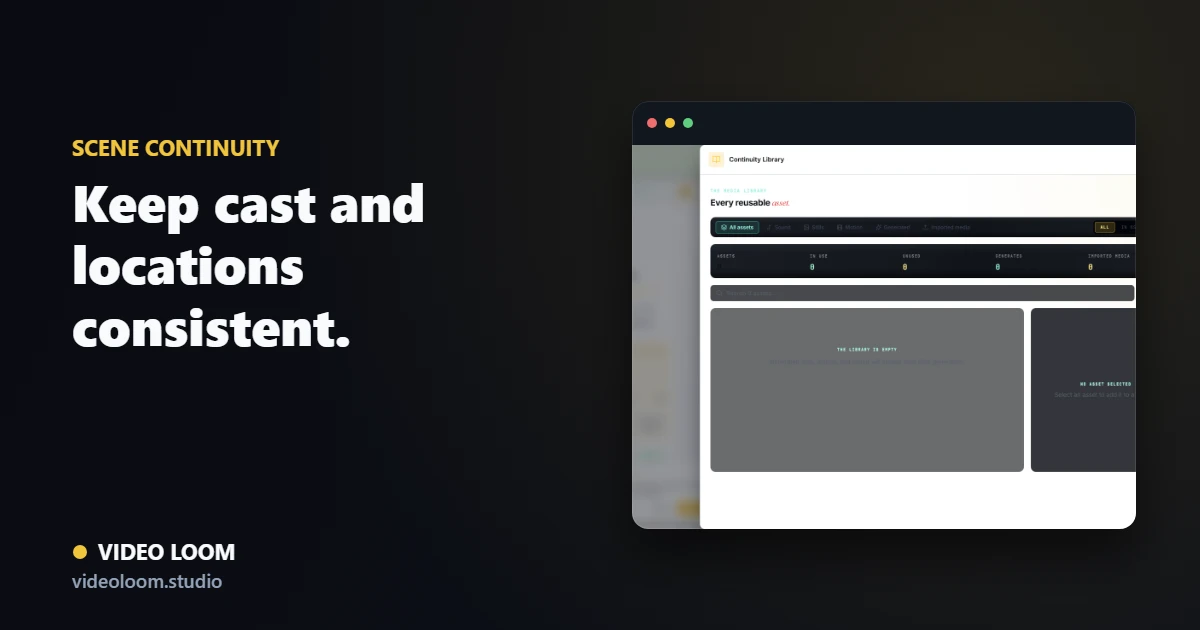
Continuity library of cast and locations attached to scenes in Video Loom

A continuity library for the project

Cast, locations, objects, and visual references live in one library and attach to the scenes that need them, so recurring elements stay recognizable.

  • Performers, locations, and props as reusable anchors.
  • Style references and palette rules per project.
  • Anchors-first setup before narrative generation.

Reference-aware generation

Each scene can carry its continuity anchors and previous-shot frames into the provider call so connected shots actually look connected.

  • Reference frames and visual anchors per scene.
  • Last-frame continuity for image-to-video shots.
  • Revision paths that preserve the established look.

Continuity that survives revisions

Regenerating a shot does not reset the project. Anchors and references stay attached so the cast and locations hold up across the whole video.

  • Locked canonical descriptions for recurring cast.
  • Grouped scenes that share an environment.
  • Continuity review before and after generation.

Questions

What teams ask before opening the app.

How does Video Loom keep characters consistent?

Recurring cast and locations live as continuity anchors with references and locked descriptions that travel into each scene generation.

Can I set up continuity before writing the story?

Yes. The anchors-first workflow lets you create cast and environments before narrative generation so the story binds to them.