Assemble the cut
Drag to reorder, trim with a live playhead, and arrange generated takes and imported footage with transitions.
- Drag-to-reorder clips.
- Trim and scrub with a playhead.
- Transitions and bridge shots.
 Video Loom
Timeline editor
Generated takes and imported footage share one timeline built around the final export — trim, reorder, add transitions and captions, and finish the cut.
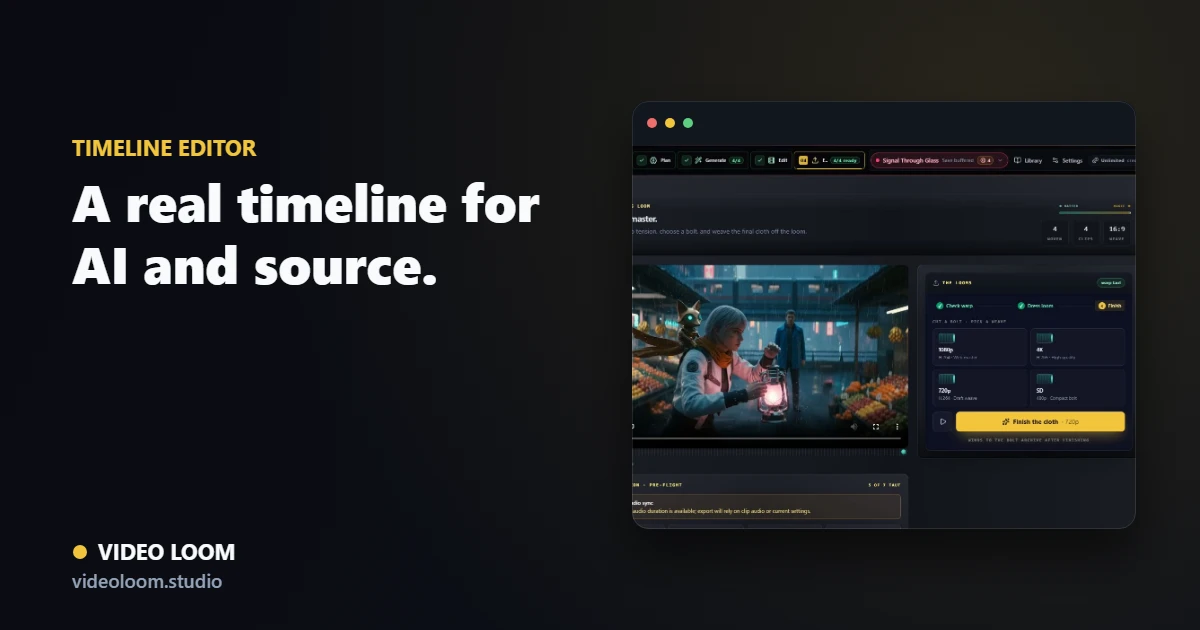
Drag to reorder, trim with a live playhead, and arrange generated takes and imported footage with transitions.
Add captions and lyric-adjacent overlays aligned to the audio, with batch editing across clips.
Export a finished video with synced audio from the same project state, with review packages for handoff.
Questions
It is a real NLE-style timeline with trims, reordering, transitions, captions, and a live playhead built around the export.
Yes. The timeline treats generated takes and imported source media as the same kind of clip for assembly and export.