
I am opening seven Video Loom pilot slots for independent artists with a release coming up. Send a 20-30 second hook or chorus, the release date, and one visual reference, and I will return a six-shot, beat-timed treatment and cost range within one business day—before you decide whether to generate anything.
Want one of the seven pilot slots for your next release? Open tracked routeFind the shortest path from idea to first cut.
Choose the kind of video you are making, check the notes that affect model choice and continuity, then open the studio with the path still attached.
Routes by outcome
Production notes
Ready starts
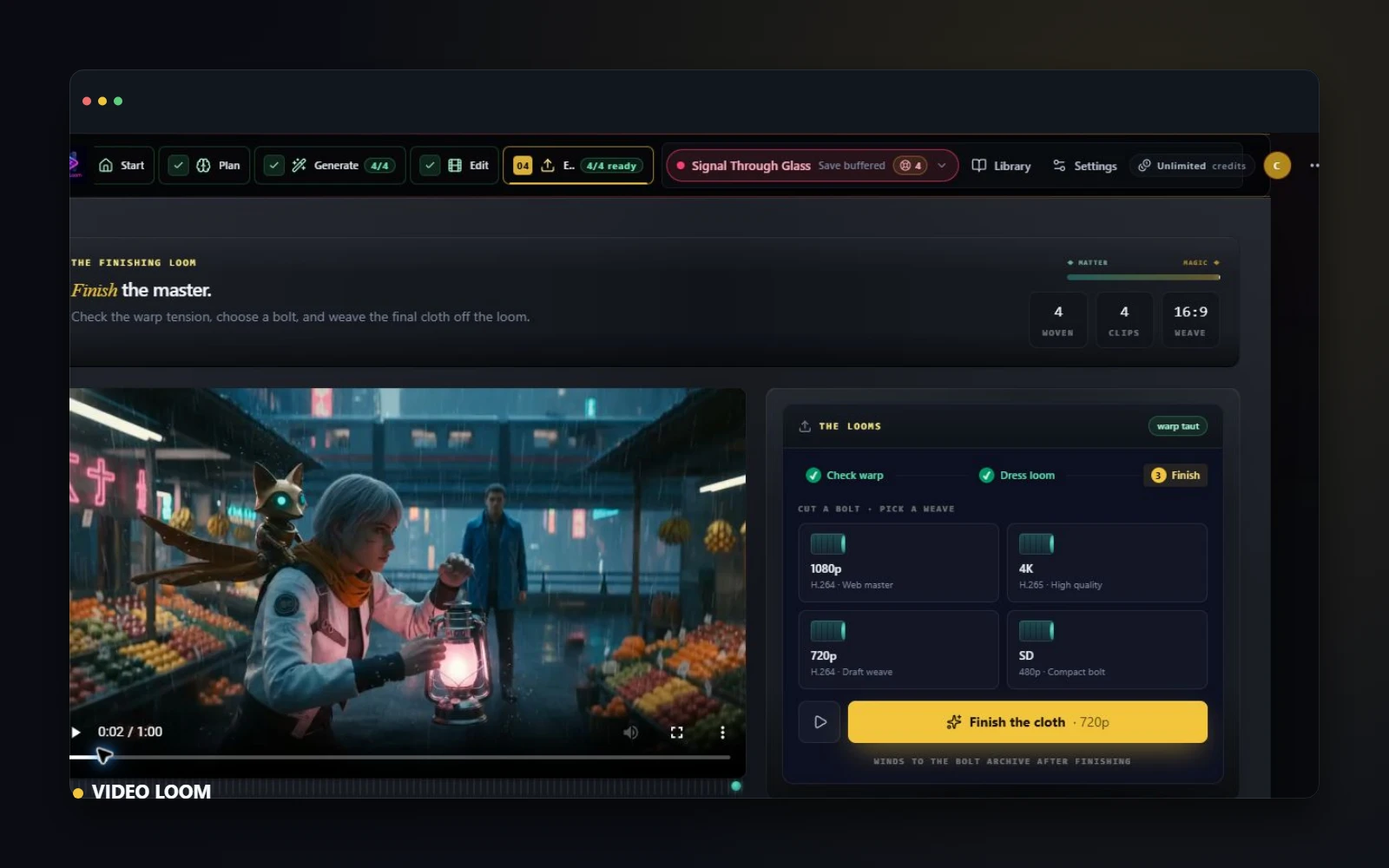
Choose by outcomeMusic video, ad, source-media story, or social cut: start from the deliverable.
Keep the hard calls visiblePut provider choice, continuity, and handoff decisions close to the work.
Start with contextCarry source type, starter, and route attribution into the studio.
Before the studio, set the route.
Three small choices prevent a blank timeline from becoming a slow one.
Launch map
Ten useful sends beat one loud blast.
Start with one specific viewer, one route, and one proof point. Each share should make the next project step obvious before anyone opens a blank workspace.
01
Search-to-project routebook
Send the route that matches the job: AI music video, YouTube Shorts, captions, localization, product video, or source-media story.
02
One route, one proof, one ask
Pair the link with one concrete proof point: model choice, continuity plan, credit cost, source-media handling, or the finished cut target.
03
Creator forum note
Use the production notes when posting in creator communities so the share reads like a workflow handoff instead of a generic ad.
04
First ten user loop
Track which route was shared, what question came back, and which starter opened so the next page update answers real friction.
Send kit
Use the route as the message.
Three small notes for the first ten conversations. Each one points to a specific public route and asks for a concrete next action.
Pair a note with a ready startI built a Video Loom route for Shorts planning: hook, vertical framing, source references, captions, generated takes, and export checks stay in one project instead of scattered across tools.
Could this save one edit pass on your next short? Open tracked routeVideo Loom now has a product-video route that starts with the claim, source proof, shot plan, provider routing, review notes, captions, and export target before a paid generation starts.
Could you use this for one client or product proof? Open tracked route
Routes
Start from the shape of the work.
Choose by the thing you are making: music video, storyboard, timeline, captions, source-media story, ad, social cut, or agent-assisted production.
See ready starts
01
Official VideoLoom app
VideoLoom is the official Video Loom AI video workspace.
VideoLoom is the official Video Loom Studio app for AI video production, separate from Loom screen recording, Pulse Loom AI, and research projects.
02
AI music video generator
Turn songs into production-ready AI music videos.
Turn songs into planned AI music videos with storyboards, continuity, provider-routed takes, review, and timeline exports.
03
AI video generator
Generate AI videos with production control.
Generate AI videos from prompts, images, clips, and scripts with storyboard planning, provider routing, continuity, review, and timeline export.
04
Text to video generator
Turn text prompts into planned video scenes.
Turn prompts, scripts, and briefs into text-to-video scenes with storyboard planning, provider routing, continuity, review, and export.
05
Script to video generator
Turn scripts into planned AI video scenes.
Turn scripts and briefs into AI video scenes with shot planning, continuity, provider routing, review, captions, and timeline export.
06
AI video editor
An AI video editor for production assets.
Edit generated and source clips together: compare takes, keep prompts and provider context attached, and assemble a synced cut.
07
Lyric video generator
Make lyric videos with a real production path.
Make lyric videos with transcription, beat-aware scene planning, generated visuals, caption-ready timelines, review, and synced exports.
08
Music video maker
A music video maker built for production control.
A music video maker for directors and editors: plan scenes from a track, keep continuity, route providers, and export a finished cut.
09
AI video storyboard
Storyboard AI video before provider spend.
Storyboard AI video before provider spend with timed shots, camera notes, continuity references, and provider-ready prompts.
10
Scene continuity tools
Keep cast, locations, and style consistent across scenes.
Keep cast, locations, and style consistent across AI video scenes with continuity anchors, reference frames, and revision paths.
11
Provider routing workflow
Route each AI video shot to the provider that fits.
Plan a multi-provider AI video workflow with per-shot cloud and hosted routing, provider fallbacks, continuity references, review, and exports.
12
AI video timeline editor
A timeline editor for generated and source footage.
Assemble generated and source clips on a real timeline: trim, reorder, add transitions and captions, then export a synced cut.
13
AI video caption generator
Generate, edit, and export video captions.
Generate and edit video captions with AI: seed caption cues, import SRT/VTT files, fix timing drift, audit quality, and export captioned cuts.
14
AI voiceover video generator
Generate voiceover and finish the video.
Generate AI voiceover for videos: write narration, preview TTS voices, sync captions, route providers, and export finished cuts.
15
AI lip sync video generator
Lip sync video without leaving the edit.
Create AI lip sync videos from source clips or talking photos, assign speakers, sync captions, and export finished cuts.
16
AI video localization
Localize captions, voices, and final cuts.
Localize video projects with translated caption planning, voice maps, lip-sync review, timeline notes, and export handoff.
17
Source media to video
Turn your images and footage into generated scenes.
Start from images or footage, not just text: use source media for image-to-video and video-to-video with continuity and timeline finishing.
18
AI video collaboration
Review AI video work with teams and clients.
Review AI video work with teams and clients using cloud projects, comments, shared review links, and export packages.
19
AI video pricing
AI video pricing, credits, and first-project cost.
See AI video pricing before signup: Starter $10/mo with 500 credits, Pro $40/mo with 2,000, Team $200/mo, credit packs, and cost examples.
20
Music video example
See an AI music video built end to end.
Watch a real AI music video built in Video Loom: storyboard, continuity anchors, provider-routed takes, and a synced timeline export.
21
Short film example
Build an AI short film with continuity.
See an AI short film built in Video Loom with a continuity-locked cast across multiple scenes and locations, then exported on a timeline.
22
Image to video
Turn a photo into a moving shot.
See how Video Loom turns a still image into a moving AI shot with image-to-video, then keeps continuity and finishes on a timeline.
23
Video to video
Restyle footage while the motion holds.
See how Video Loom restyles source footage with video-to-video while keeping the original motion, then finishes on a timeline.
24
Creator Studio
AI VFX tools inside the project.
Explore Creator Studio in Video Loom: restyle, expand, extend, motion swap, and masked edits applied per clip without leaving the project.
25
AI bridges
Seamless AI transitions between scenes.
See how AI bridge transitions in Video Loom stitch two scenes into one seamless move, generated and reviewed inside the timeline.
26
Timeline editor
A real timeline for AI and source clips.
Trim, reorder, caption, and assemble generated and source clips on a real NLE timeline in Video Loom, then export a synced cut.
27
Export
Export a finished, synced, captioned cut.
See Video Loom export features: synced audio, burned-in or sidecar captions, color grades, codecs, and shareable review links.
28
AI video from a photo
Turn a photo into an AI video.
Turn a photo into an AI video. Video Loom uses your image as a starting frame for image-to-video, keeps continuity, and exports a finished cut.
29
Sora alternative
A production workspace, not one model.
Looking for a Sora alternative for full productions? Video Loom plans scenes, locks continuity, routes multiple providers, and finishes the cut.
30
Veo music video
A music-video workflow around Veo.
Use Veo inside a full music-video workflow: storyboard, continuity, per-scene routing, and a synced timeline export in Video Loom.
31
Explainer video generator
Turn a script into an explainer video.
Turn a script or brief into an explainer video: text-to-video scenes, AI voiceover, captions, continuity, and a synced timeline export.
32
AI product video generator
Make AI product videos from briefs and source media.
Turn product briefs, images, and scripts into AI product videos with scene planning, captions, provider routing, review, and timeline export.
33
AI video ad generator
Make AI video ads from briefs, scripts, and source media.
Turn ad briefs, product shots, and scripts into AI video ads with hook planning, captions, provider routing, review, and timeline export.
34
UGC video generator
Make UGC-style product videos with proof and captions.
Make UGC-style product videos with AI: plan creator hooks, product proof, captions, references, provider-routed takes, and vertical exports.
35
Vertical short-form video
Make vertical short-form video that holds up.
Make 9:16 vertical short-form video for Reels, TikTok, and Shorts: scene planning, captions, continuity, provider routing, and synced exports.
36
AI social media video generator
Make social media videos for every feed.
Make social media videos with AI for Reels, TikTok, and Shorts: plan hooks, captions, 9:16 scenes, product proof, and synced exports.
37
TikTok video maker
Make TikTok videos with hooks, captions, and exports.
Make TikTok videos with AI: plan hooks, 9:16 scenes, captions, source clips, provider-routed takes, and synced exports.
38
Instagram Reels video maker
Make Instagram Reels with hooks, captions, and exports.
Make Instagram Reels with AI: plan hooks, 9:16 scenes, captions, product proof, provider-routed takes, and synced vertical exports.
39
YouTube Shorts video maker
Make YouTube Shorts with planned scenes and captions.
Make YouTube Shorts with AI: plan vertical scenes, captions, hooks, provider-routed takes, and synced 9:16 exports from one workspace.
40
Claude MCP video workflow
Claude-ready video production, not loose prompts.
Use Video Loom as a Claude-ready AI video MCP server: plan scenes, route providers, preserve continuity, and export finished cuts.
41
AI motion swap
Animate a photo with motion from a video.
AI motion swap: animate a photo using motion transferred from a driver video, review the face-map, and finish the shot on a real timeline.
42
Talking photo generator
Make a photo talk with AI.
Talking photo generator: turn a portrait into a lip-synced talking video with a script or audio, review mouth sync and captions, and export the cut.
43
AI character creator
Create a character once, keep it across every scene.
AI character creator for video: build a consistent character once, then keep the same face and look across every generated scene with continuity anchors.
44
AI image lab
Generate starter frames, then turn them into video.
AI image lab: generate start frames, character references, and style images for video, then carry them straight into image-to-video generation.
Studio map
Know when one model is not enough.
Use the broader product pages and comparisons to decide when Video Loom should route the work instead of handing everything to a single generator.
Read the notes
01
Studio page
AI video generator for music video production.
AI video generator for music video production: storyboard songs, clips, scripts, and images, route providers, review takes, and export final cuts.
02
Studio page
Generate AI music videos with production control.
Generate AI music videos from songs, lyrics, images, or footage with storyboards, continuity controls, provider routing, and timeline exports.
03
Studio page
A music video editor for generated and source footage.
Edit generated and source music-video clips with scene plans, takes, captions, comments, transitions, timeline assembly, and synced exports.
04
Studio page
Make lyric videos with a real production path.
Create lyric videos from audio with transcription, scene planning, captions, beat-aware direction, generated visuals, timeline edits, and exports.
05
Studio page
Storyboard AI video before provider spend.
Plan AI video scenes with timed storyboards, camera notes, continuity references, shot prompts, source media, and provider-ready generation details.
06
Studio page
Use the right AI video provider for each shot.
Route AI video scenes across configured cloud APIs and hosted providers with continuity references and export-ready timelines.
07
Studio page
Video Loom vs Runway for production teams.
Compare Video Loom and Runway for multi-scene AI music-video workflows, continuity, provider routing, collaboration, and timeline export.
08
Studio page
Video Loom vs Sora for multi-scene AI video.
Compare Video Loom and Sora for Sora alternative workflows, multi-scene AI video, continuity planning, provider routing, review, and timeline export.
09
Studio page
Video Loom vs Kaiber for production workflows.
Compare Video Loom and Kaiber for AI music videos, beat-led visuals, storyboards, continuity, provider routing, review, and timeline exports.
10
Studio page
Video Loom vs Neural Frames for production control.
Compare Video Loom and Neural Frames for AI music videos, frame-level control, scene planning, continuity, provider routing, and exports.
Notes
Read before the costly take.
Short production notes for source media, provider routing, continuity, model choice, and the handoffs that shape the finished cut.
Choose a ready start
01
Tutorial - 2026-06-13
How to make an AI music video, step by step
A step-by-step guide to making an AI music video: analyze the track, storyboard scenes, lock continuity, route providers, and export a synced cut.
02
Guide - 2026-06-13
How to keep characters consistent in AI video
Recurring characters drift between AI shots. Here is how continuity anchors, reference frames, and locked descriptions keep cast and locations consistent.
03
Tutorial - 2026-06-13
How to turn a photo into a video with AI
Turn a still photo into a moving AI shot with image-to-video: use the photo as a starting frame, keep the look consistent, and finish on a timeline.
04
Talking photo guide - 2026-06-24
How to make a photo talk with AI lip sync
Make a photo talk with AI lip sync: upload an image, add voice or script, review mouth sync and captions, then export a talking-photo video.
05
Tutorial - 2026-06-23
How to turn a script into a video with AI
Turn a script or brief into an AI video: break it into scenes, write shot prompts, route providers, review takes, and finish on a timeline.
06
Explainer guide - 2026-06-23
How to make an explainer video with AI
Make an AI explainer video from a script or brief: plan scenes, add voiceover and captions, route providers, and export a synced cut.
07
Product video guide - 2026-06-23
How to make a product video with AI
Make an AI product video from a brief, images, or source clips: plan proof beats, captions, provider routes, and export a social-ready cut.
08
Video ad guide - 2026-06-23
How to make a video ad with AI
Make an AI video ad from a brief, script, or product shots: plan hooks, proof beats, captions, provider routes, and export variants.
09
Tutorial - 2026-06-23
How to edit AI-generated video
Edit AI-generated video without losing context: compare takes, trim clips, add captions, preserve prompts, and export a finished timeline.
10
Agent workflow - 2026-06-23
How to use AI agents for video production
Use AI agents for video production with MCP: expose project context, keep provider keys server-side, plan scenes, review takes, and export.
11
Claude MCP guide - 2026-06-23
Claude MCP video workflow for AI production
Build a Claude MCP video workflow: connect project context, plan scenes, protect provider keys, review takes, and export from Video Loom.
12
Tutorial - 2026-06-13
How to make a lyric video with AI
Make a lyric video with AI: transcribe the track, plan beat-aware scenes, generate visuals, place captions, and export a synced cut.
13
Short-form guide - 2026-06-23
How to make vertical short-form videos with AI
Make 9:16 AI videos for Reels, TikTok, and YouTube Shorts: plan scenes, add captions, keep continuity, and export a vertical cut.
14
Comparison - 2026-06-13
The best AI video generators in 2026
A practical look at the best AI video generators in 2026 — and why routing multiple providers per shot beats locking into one model.
15
Sora alternative - 2026-06-24
Sora alternative workflow for full AI video projects
Compare Sora-style generation with a multi-provider AI video workflow for storyboards, continuity, review, and timeline export.
16
Pricing guide - 2026-06-23
How much does an AI music video cost?
AI music video cost depends on length, model choice, revisions, and finishing. Estimate credits, tiers, and workflow trade-offs before generating.
17
Tutorial - 2026-06-13
How to restyle footage with AI
Restyle your own footage with AI video-to-video: keep the original motion, change the look, hold continuity, and finish on a timeline.
18
Tutorial - 2026-07-05
How to lip-sync a video with AI
Lip-sync an existing video clip with AI: assign the speaker, drive the sync with new audio, review mouth movement, and export the finished cut.
19
Tutorial - 2026-07-05
Motion swap tutorial: animate a photo with a driver clip
Motion swap tutorial: pick a photo and a driver clip, review the face-map, generate the animated take, and finish the shot on a timeline.
20
Talking photo guide - 2026-07-05
Talking photo from one image
Turn one portrait into a talking-photo video: add a script or audio, generate the lip-synced take, review mouth sync, and export the cut.
21
Guide - 2026-07-05
Which AI video model should you use?
Compare AI video model families by real capability facts — duration, resolution, references, lip sync, and extend — before routing a shot to one.
Ready starts
Open with the setup already warm.
Pick a source path and carry the production brief into the studio with the route, source type, and first-touch attribution still intact.
Open an empty project
01
Text source
Launch Campaign Kit
Launch brief to storyboard, scenes, cutdown notes, export
Hero/proof/demo beats - Storyboard scene plan
02
Text source
URL to Ad Campaign
Product facts to campaign modes, hooks, social export
Campaign mode pack - Hook bank
03
Audio source
Full Music Video
Audio to lyrics, beat plan, clips, edit, export
Lyrics + mood map - Beat-synced scenes
04
Photo source
Character Photodump Story
Photo to same-star scenes, identity locks, social export
Identity lock sheet - Scene variety pack
Go
Bring the thread into the room.
Open a clean project or a prepared starter while the route is still fresh. Video Loom keeps the path, starter, and attribution attached to the first project touch.