1. Start from the track
Upload your song so the workflow can read its structure — mood, tempo, and sections. Verses, hooks, and bridges become natural scene boundaries, so the visuals follow the music instead of fighting it.
- Transcribe lyrics and detect tempo and mood.
- Let the song structure suggest scene lengths.
- Decide the look and references before generating.
2. Storyboard before you spend
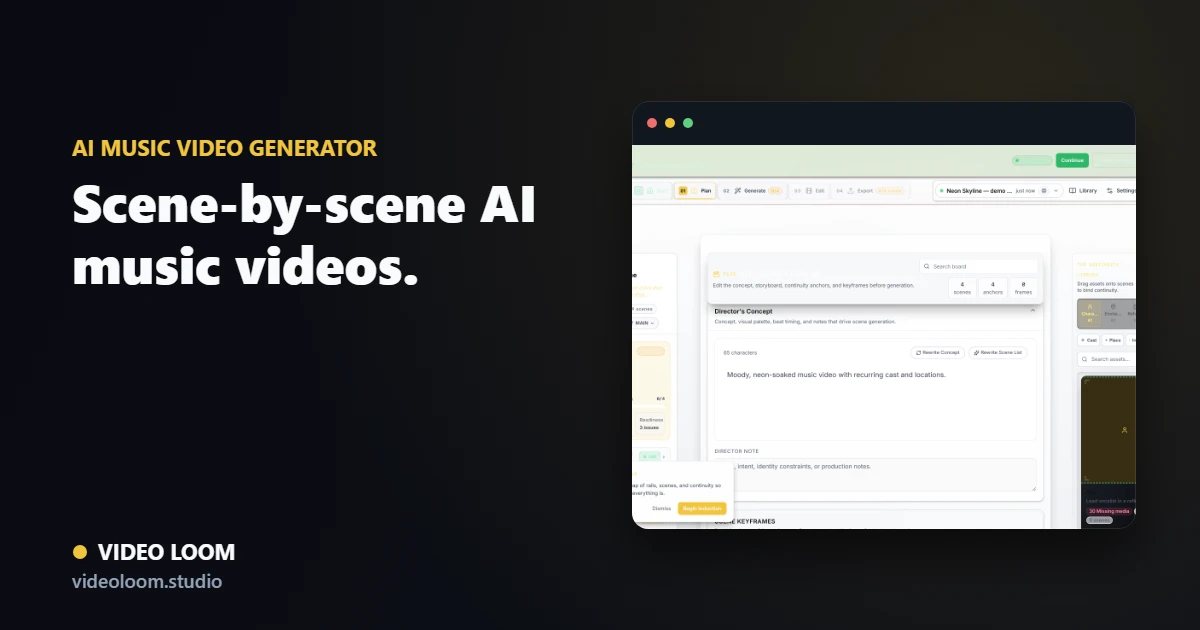
Plan each scene with a duration, a shot prompt, and camera notes. Reviewing a storyboard first is the single biggest way to avoid wasted generation credits and a disconnected final video.
- Write a shot prompt per scene.
- Attach cast and location references.
- Confirm timing against the track.
3. Generate, route, and finish
Generate takes scene by scene, routing each shot to the provider that fits it, then assemble the cut on a timeline with captions and audio sync. Compare takes and regenerate one scene without losing the rest of the edit.
- Route shots per scene for cost and quality.
- Compare takes and keep the best.
- Export a synced, captioned cut.