
Video Loom

Music video example

See an AI music video built end to end.

Follow a track from storyboard to final cut: timed scenes, continuity anchors, provider-routed takes, and a synced export — the full production path in one workspace.

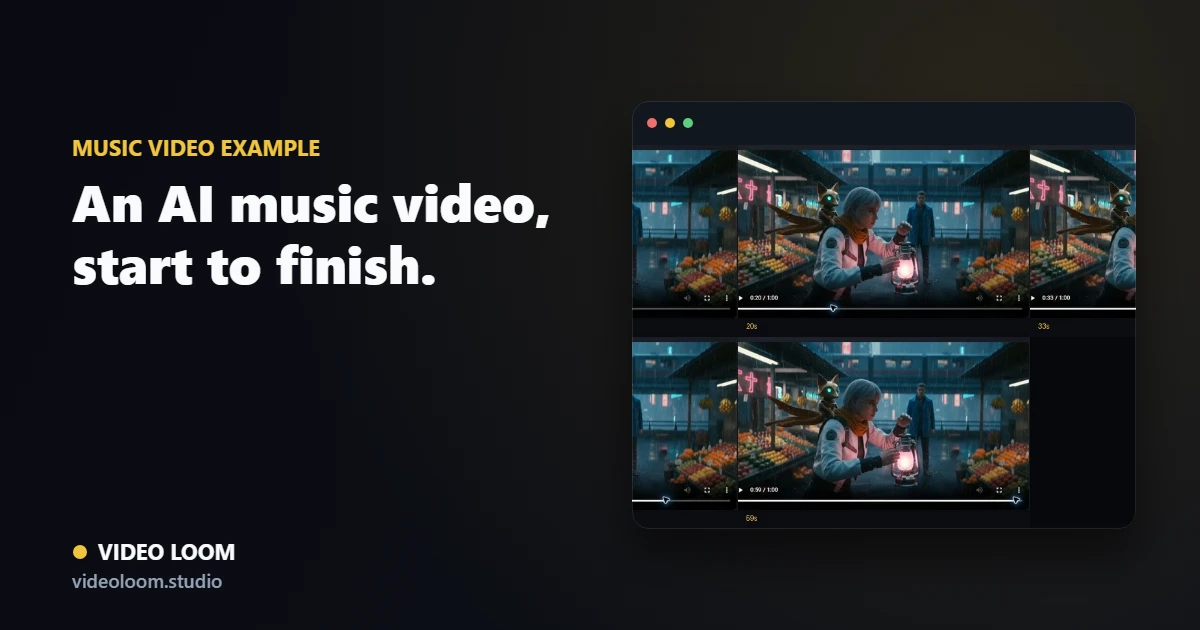
Video Loom music-video project from storyboard to export

Storyboard the song first

Verses, hooks, and bridges become timed scenes with visual direction and shot prompts before any provider spend.

  • Audio analysis for mood, tempo, and structure.
  • Timed scenes mapped to the track.
  • Shot prompts you can review before generating.

Generate with continuity

Recurring cast and locations stay recognizable across every scene, and each shot routes to the provider that fits it.

  • Continuity anchors for performers and places.
  • Per-scene provider and model routing.
  • Multiple takes compared per scene.

Finish the cut

Generated takes, captions, and audio sync come together on a real timeline that exports a finished music video.

  • Timeline assembly with transitions.
  • Captions aligned to the track.
  • Synced, export-ready output.

Questions

What teams ask before opening the app.

How long does an AI music video take?

It depends on scene count and providers, but the planning-first workflow lets you approve the storyboard before spending credits on generation.

Can the same character appear in every scene?

Yes. Continuity anchors keep recurring cast and locations consistent across scenes and revisions.