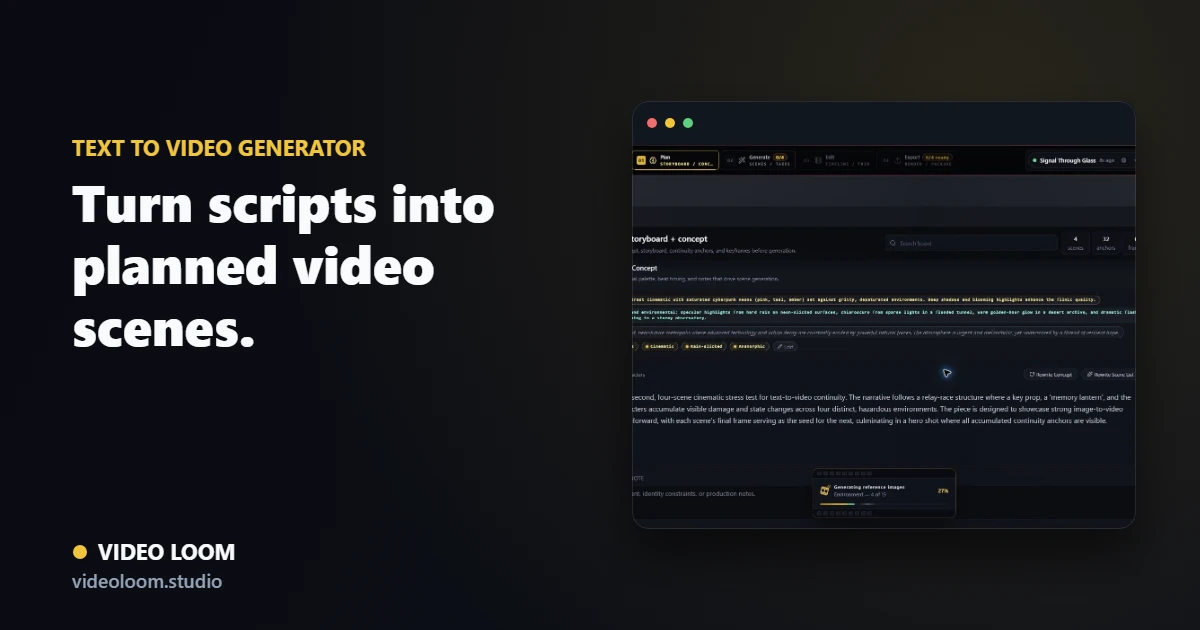
1. Break the script into scenes
Start by turning the script, brief, treatment, or outline into timed scenes. Each scene should have a purpose, duration, shot prompt, and camera note before generation starts.
- Paste a script, product brief, ad concept, or outline.
- Split it into timed scenes instead of one large prompt.
- Review shot prompts before spending generation credits.
2. Add references and continuity
Text alone is rarely enough for a coherent multi-scene video. Add recurring cast, environments, style notes, and reference frames so every generated shot shares the same production context.
- Attach identity and environment anchors.
- Reuse style references across related scenes.
- Carry last-frame continuity into follow-up shots.
3. Route, review, and finish
Once the plan is clear, route each scene to the provider that fits the shot, compare takes, regenerate only the weak scenes, and assemble the result on a real timeline.
- Choose providers per scene for speed, quality, and cost.
- Compare takes without losing the script context.
- Add captions, audio, transitions, and export from one project.