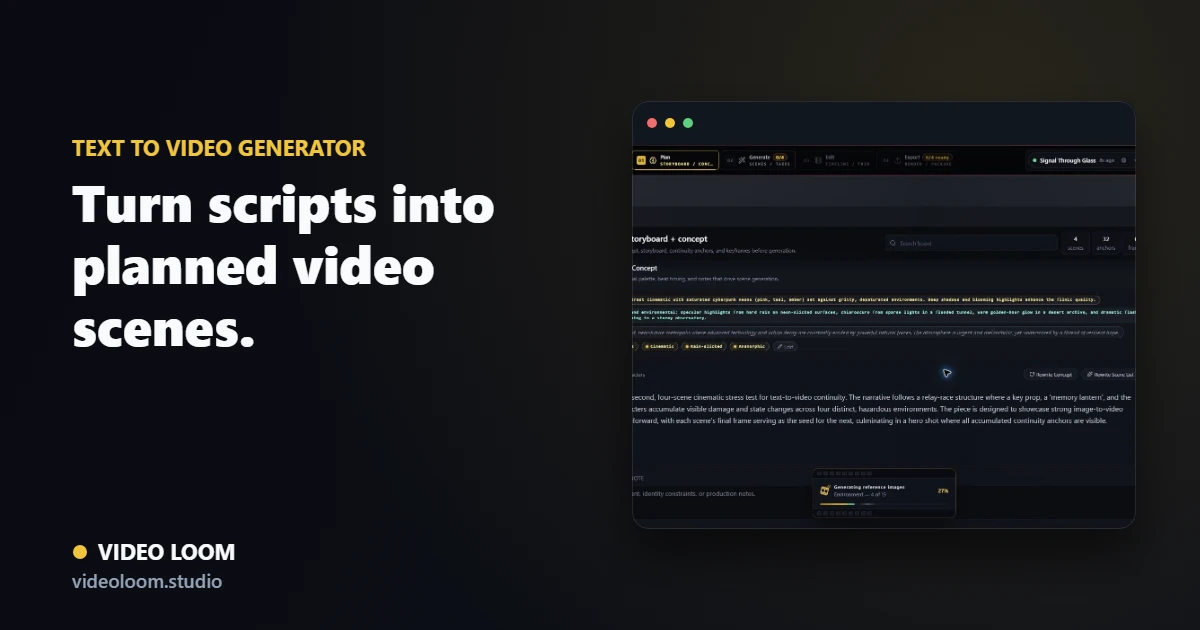
Structure the script first
Turn written input into a scene plan before generation starts, so each clip has a purpose, duration, visual direction, and review context.
- Prompt, script, brief, and outline inputs.
- Timed scenes with shot prompts and camera notes.
- Storyboard review before provider spend.
Route text-to-video shots by scene
Different prompts need different models. Keep provider selection, generation settings, references, and retries attached to each scene instead of treating the project as one prompt.
- Per-scene provider and model overrides.
- Fallback-aware jobs for long-running generation.
- Continuity anchors for recurring people, places, and style.
Finish the generated cut
Generated takes move into the same timeline as source media, captions, voiceover, music, comments, and export controls.
- Take comparison and selective regeneration.
- Timeline assembly with captions, audio, and transitions.
- Export-ready cuts from the same project state.