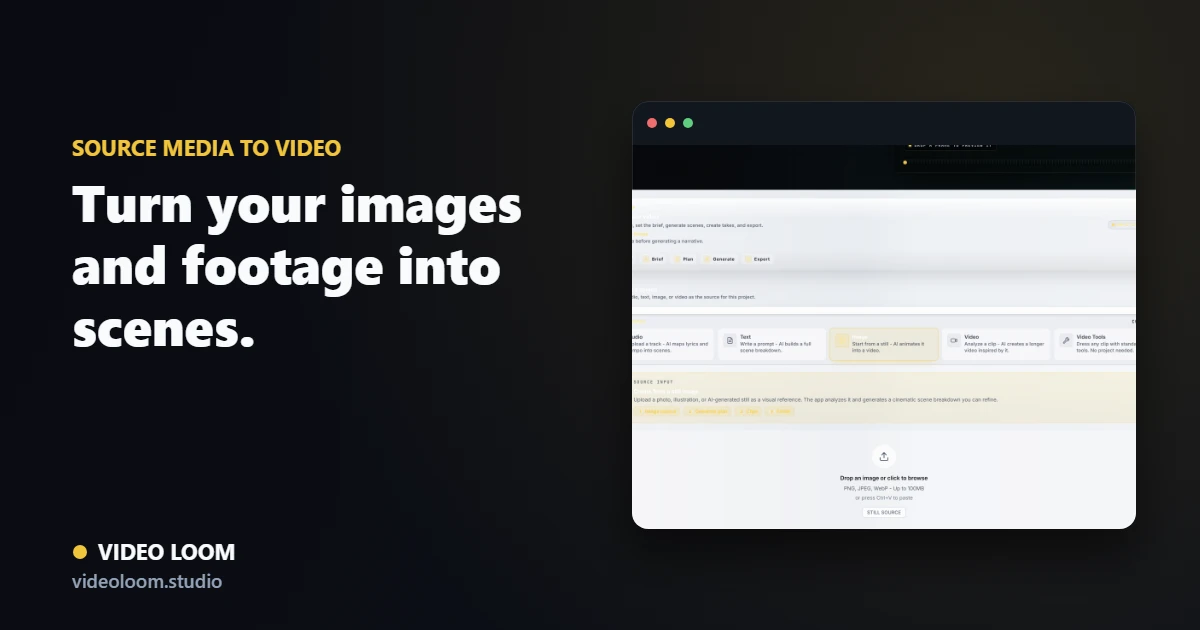
Use the photo as a starting frame
Import the image and attach it to a scene as the starting frame for image-to-video. A short prompt steers the motion and style while the photo anchors the look.
- Import the still into the project.
- Set it as a start frame or reference.
- Add a prompt to steer motion.
Keep the look across shots
Reuse the same image as a style or character reference so connected shots match. Last-frame continuity carries the look from one shot into the next.
- Reuse the image as a reference.
- Chain shots with last-frame continuity.
- Compare takes to pick the cleanest motion.
Finish alongside other clips
Your photo-driven shot sits on the same timeline as generated and source clips for captions, transitions, and a synced export.
- Assemble on one timeline.
- Add captions and transitions.
- Export a finished, synced cut.