Start from a still
Import an image and attach it to a scene as a starting frame or style reference for the provider call.
- Image ingest into the project.
- Start-frame and reference roles.
- Per-scene provider routing.
 Video Loom
Image to video
Bring a still into the project as a starting frame for image-to-video, keep the look consistent across connected shots, and finish the cut in one workspace.
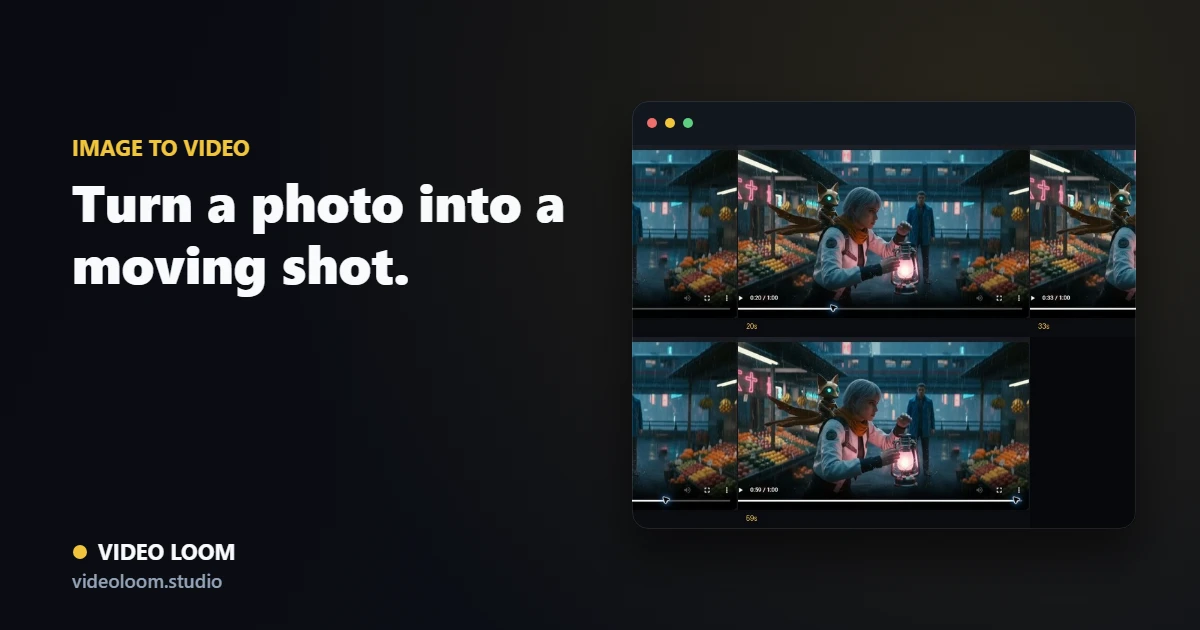
Import an image and attach it to a scene as a starting frame or style reference for the provider call.
Use your image as a style and character reference so the generated motion matches the frame you brought in.
The image-to-video shot sits on the same timeline as generated and source clips for assembly and export.
Questions
Routing supports configured providers with image-to-video, so each shot can use the model that best fits the still you started from.
Yes. Last-frame continuity carries context between connected shots so the motion reads as one sequence.