Your photo as the first frame
Import a photo and use it as the starting frame or style reference for image-to-video generation.
- Image ingest into the project.
- Start-frame and reference roles.
- Provider routing per shot.
 Video Loom
AI video from a photo
Start from an image instead of a blank prompt. Video Loom uses your photo as a starting frame for image-to-video, holds the look across shots, and finishes on a timeline.
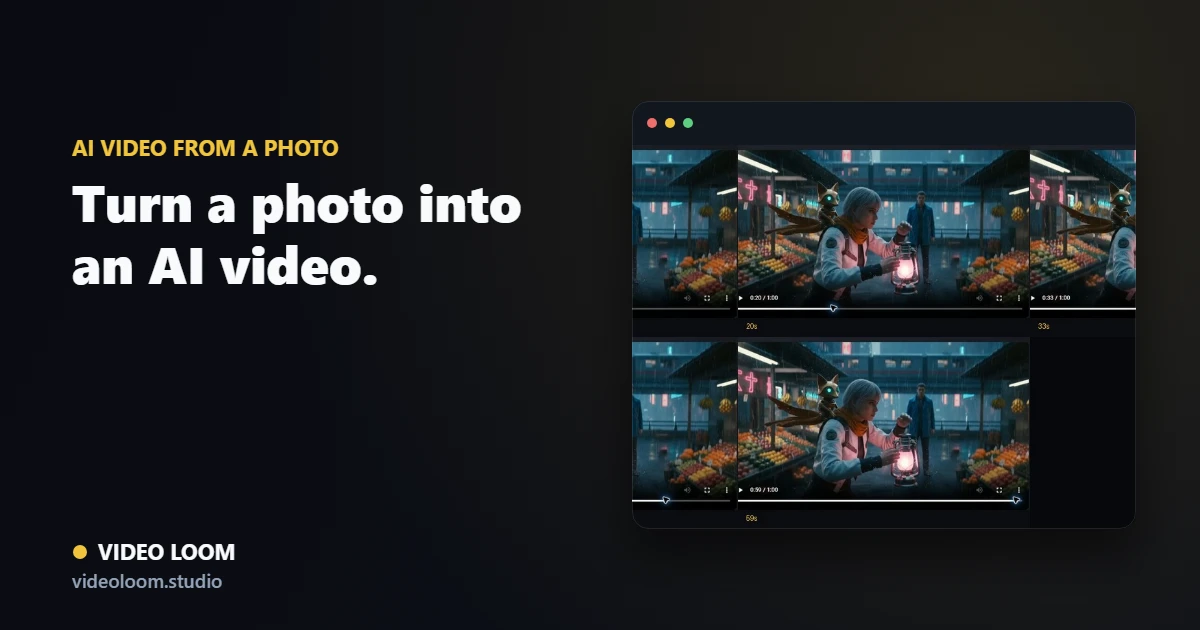
Import a photo and use it as the starting frame or style reference for image-to-video generation.
Use the photo as a character or style anchor so connected shots keep the same look.
Photo-driven shots join the timeline with captions, transitions, and audio for a finished export.
Questions
Yes. A photo can seed an image-to-video shot, and you can chain shots with continuity to build a longer piece.
A prompt helps steer motion and style, but the photo provides the starting frame and visual anchor.