
Video Loom

Source media to video

Turn your images and footage into generated scenes.

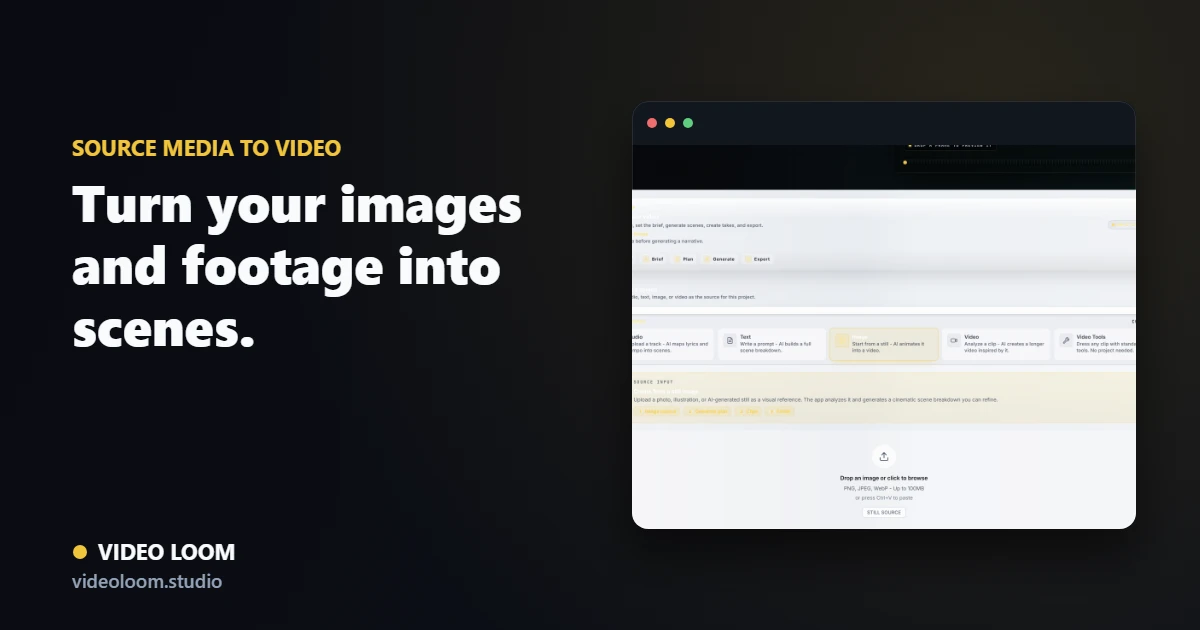
Bring source images and clips into the project as references and starting frames for image-to-video and video-to-video shots — then keep continuity and finish on a timeline.

Source images and footage attached to scenes as references in Video Loom

Start from what you already have

Ingest images and footage and attach them to scenes as references, starting frames, or restyle sources for the provider call.

  • Image and video ingest into the timeline.
  • Reference, start-frame, and end-frame roles.
  • Source-video restyle and motion transfer paths.

Continuity from your media

Use your own images as style and character references so generated scenes match the look you brought in.

  • Cast and location anchors from your images.
  • Last-frame continuity between connected shots.
  • Style references that hold across scenes.

Finish alongside generated clips

Imported media and generated takes share one timeline, captions, and export so the whole piece assembles together.

  • Mixed timelines of generated and source clips.
  • Captions, transitions, and synced audio.
  • Export-ready output from one project.

Questions

What teams ask before opening the app.

Can I use my own footage as a starting point?

Yes. Source images and clips become references or starting frames for image-to-video and video-to-video generation.

Do imported clips work with the timeline?

Yes. Imported media sits alongside generated takes for assembly, captions, and synced export.