Connect two shots
Choose the two scenes to bridge and generate a transition that blends their motion and look.
- Scene-to-scene bridge endpoints.
- Provider-routed bridge generation.
- Continuity carried into the bridge.
 Video Loom
AI bridges
AI bridges generate a transition that connects two shots into one continuous move, reviewed and assembled on the same timeline as the rest of the cut.
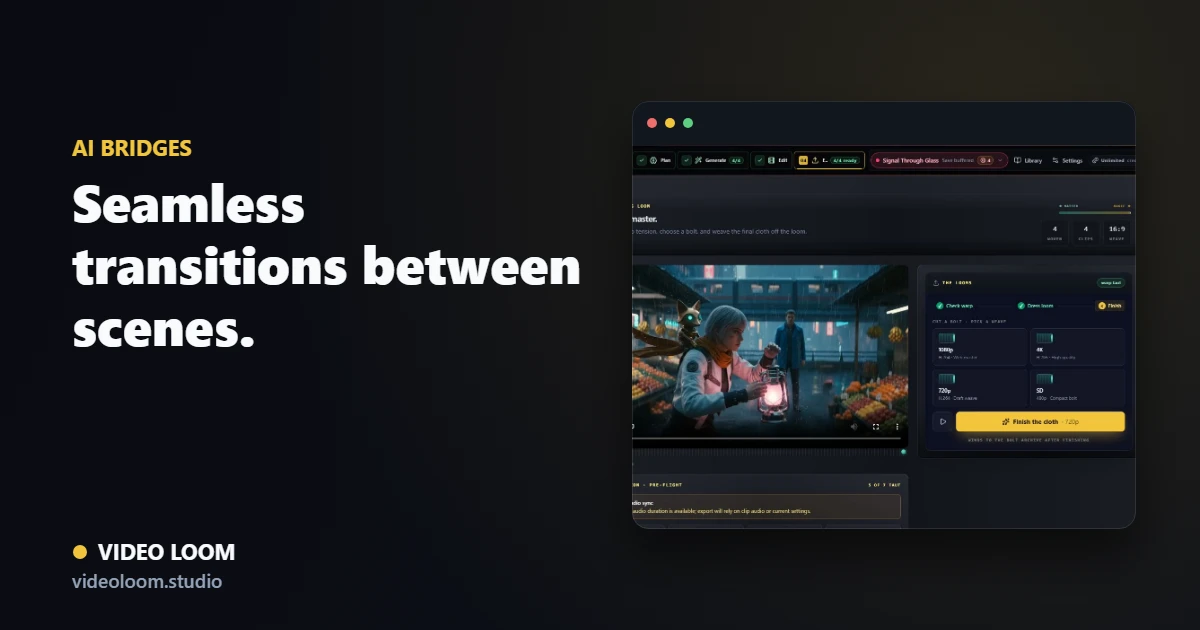
Choose the two scenes to bridge and generate a transition that blends their motion and look.
Preview the generated bridge in context and regenerate until the move lands before exporting.
Approved bridges sit on the timeline with the rest of the clips for a finished, synced export.
Questions
It is a generated transition that connects two scenes into one continuous move, created and reviewed inside the timeline.
Yes. Bridges can be regenerated and re-reviewed without disturbing the rest of the edit.