
Video Loom

LTX capability guide

What LTX can do inside Video Loom.

LTX is a routable hosted video provider in Video Loom with end-frame continuity and generated-audio control. This page lists the current capability facts and where LTX fits a routed project.

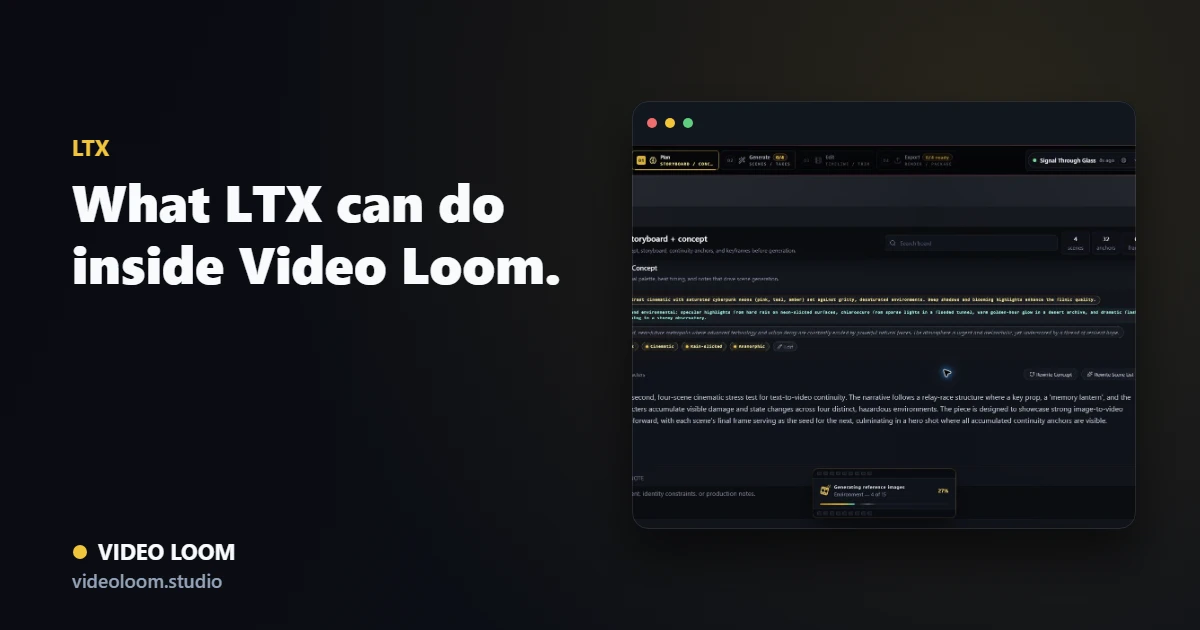
Video Loom routing scenes to LTX

Where LTX fits

LTX is one of the configured video providers Video Loom can route a scene to. Shots that need end-frame continuity chaining or generated-audio control without a separate voiceover pass.

  • End-frame support for chaining continuity into the next scene.
  • Generated-audio control alongside the video generation call.
  • Starter reference-image support for image-to-video shots.

Capability facts from the model catalog

These facts are read directly from the Video Loom model catalog for every registered LTX model, so they stay accurate as tiers change.

  • Registered models: 1.
  • Max clip duration: 10s.
  • Supported resolutions: provider default.
  • Reference image support: Yes.
  • Multi-reference input: No.
  • End-frame continuity: Yes.
  • Source-video input: No.
  • Lip sync: No.
  • Temporal extend: No.
  • Native audio output: No.

Plan, route, and finish around it

LTX shots stay inside the same storyboard, continuity library, and timeline as every other configured provider, so switching models never means switching workspaces.

  • Per-scene provider and model overrides.
  • Continuity anchors and reference frames travel with the request.
  • Generated takes finish on the same timeline as source and other-provider clips.

Questions

What teams ask before routing a shot here.

Does LTX support end-frame continuity?

Yes. LTX accepts an end-frame target, which Video Loom can use to chain continuity into the next scene.

Can LTX shots share a project with other providers?

Yes. LTX is one of several configured providers Video Loom can route scenes to per shot.