Video Loom

TikTok video maker

Make TikTok videos with hooks, captions, and exports.

Start from a hook, product proof, song moment, source clip, or script. Video Loom plans the 9:16 TikTok cut before generation, keeps references and captions attached, routes each scene to the right provider, and exports a feed-ready vertical video.

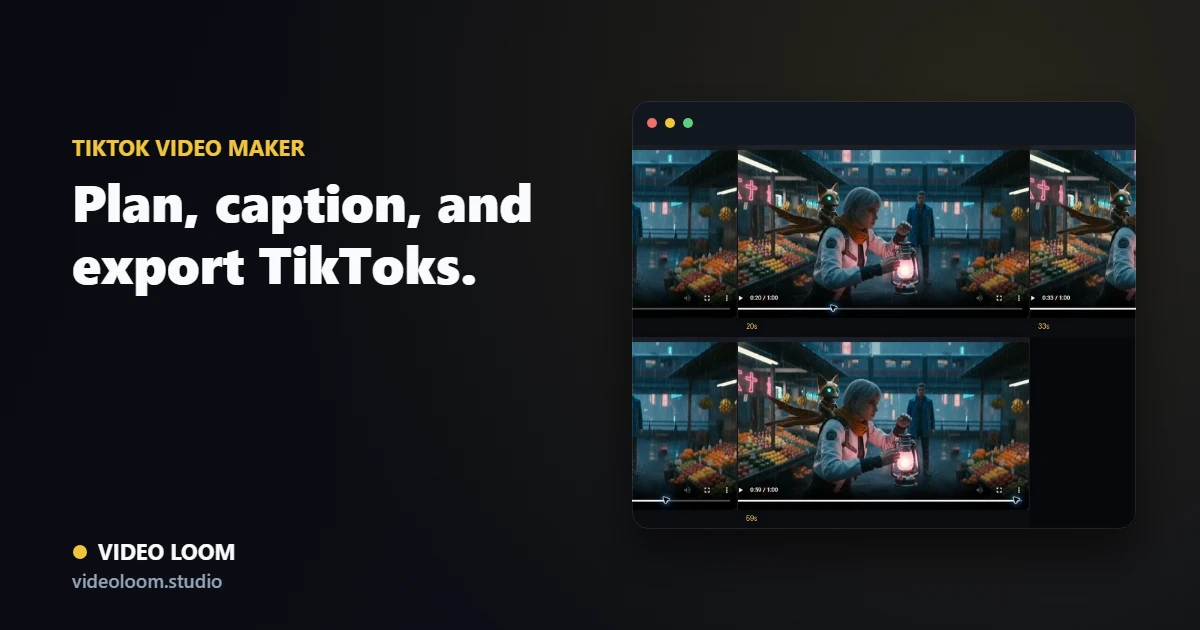
Video Loom TikTok video project with hook scenes, captions, vertical framing, and export controls

Build around the hook

Plan the first seconds, payoff, caption beats, and CTA before spending provider credits so the video is designed for TikTok attention from the start.

  • Hook, proof, payoff, and CTA beats.
  • Script, product, source-clip, and music-led starts.
  • Storyboard review before generation spend.

Generate for 9:16

Set the vertical frame up front, attach source media and references, and route each scene through the provider that fits the motion, quality, and cost target.

  • 9:16 vertical scene planning.
  • Product, cast, and style references tied to scenes.
  • Per-scene provider and model routing.

Caption and export for TikTok

Assemble source and generated clips on the timeline, add captions for sound-off viewing, and export a synced vertical cut.

  • Beat-aware captions and text overlays.
  • Generated and source clips on one timeline.
  • TikTok-ready 9:16 export path.

Questions

What teams ask before opening the app.

Can I make TikTok videos with AI from a product brief?

Yes. Product briefs, images, claims, source clips, scripts, and offer notes can become planned 9:16 scenes with captions and a timeline export.

Can Video Loom add captions for TikTok videos?

Yes. Caption and text-overlay tools sit on the same timeline as generated and source clips, so you can review and export captioned vertical cuts.