Video Loom

AI character creator

Create a character once, keep it across every scene.

Design a character with a locked description and reference images, then reuse that same cast member across every scene in the project. Video Loom treats the character as a continuity anchor, not a one-off generated image, so the same face and look survive revisions.

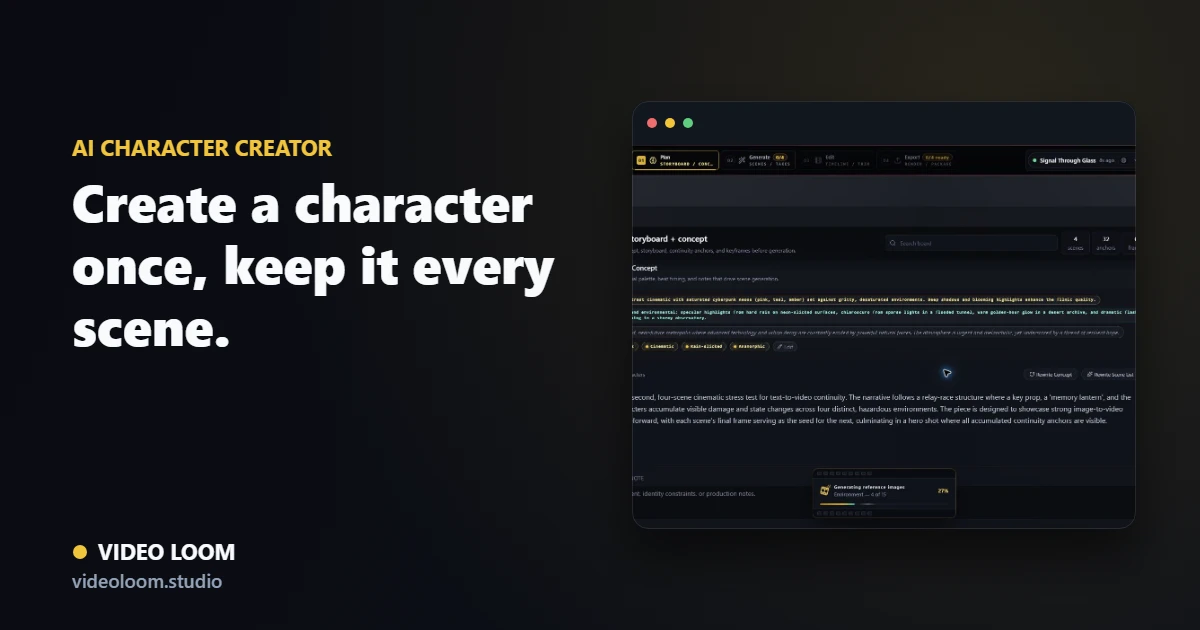
Video Loom character creator with a locked cast reference reused across generated scenes

Build the character as a reusable anchor

Generate or upload reference images for a character, lock a canonical description, and save it to the continuity library before writing the story around it.

  • Character reference images and locked descriptions.
  • Anchors-first setup before narrative generation.
  • Reusable across every scene that needs the same cast member.

Keep the same character across scenes

Bind the character to every scene it appears in so the same face, wardrobe, and style travel into each generated take instead of drifting shot to shot.

  • Reference frames and previous-shot continuity per scene.
  • Consistent identity across provider-routed takes.
  • Revisions keep the locked character description intact.

Finish with the cast intact

Generated scenes featuring the character move into the same timeline, review, and export path as the rest of the project, with the cast library staying attached throughout.

  • Continuity library visible through planning, generation, and review.
  • Character survives regenerating individual scenes.
  • Export-ready cuts with a consistent cast.

Questions

What teams ask before opening the app.

How do I create a consistent AI character for video?

Create the character as a continuity anchor with reference images and a locked description, then bind it to every scene it appears in so the same identity travels into each generated take.

Will the character stay the same across every scene?

Yes. Reference frames, locked descriptions, and previous-shot continuity keep the character recognizable across scenes and survive regenerating individual shots.

Can I create multiple characters for one project?

Yes. The continuity library supports multiple cast members and locations, each reusable across the scenes that need them.