Start from the right source
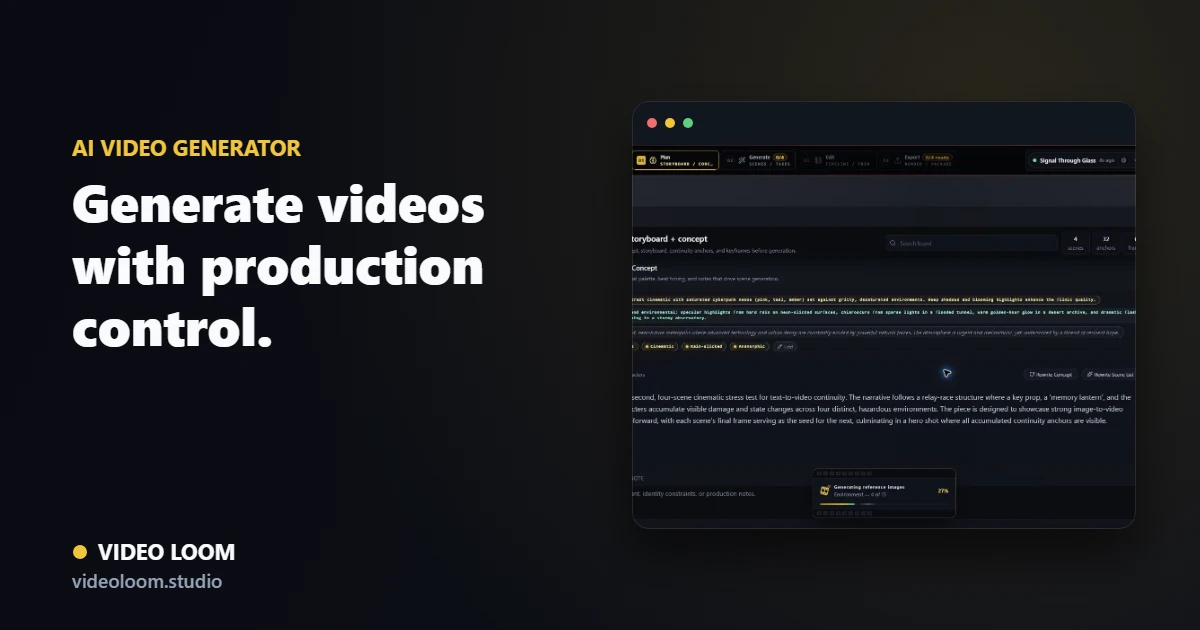
Use a prompt, script, image, source clip, or audio track as the starting point, then turn it into a structured sequence instead of a disconnected generated asset.
- Text-to-video, image-to-video, video-to-video, and audio-led planning paths.
- Scene prompts, durations, and references before generation spend.
- Project state that keeps source media tied to every output.
Route each shot to the right model
Different shots need different engines. Video Loom keeps provider choice attached to the scene, so quality, speed, reference support, and cost can be decided per shot.
- Per-scene provider and model overrides.
- Fallback-aware generation and recoverable jobs.
- Usage context for generated takes.
Review, edit, and export
Generated takes move directly into review and timeline assembly, where source clips, captions, audio sync, transitions, and export controls live in the same project.
- Take comparison and regeneration without resetting the project.
- Timeline finishing for generated and imported clips.
- Export-ready cuts and review handoff from one workspace.