Video Loom

AI motion swap

Animate a photo with motion from a video.

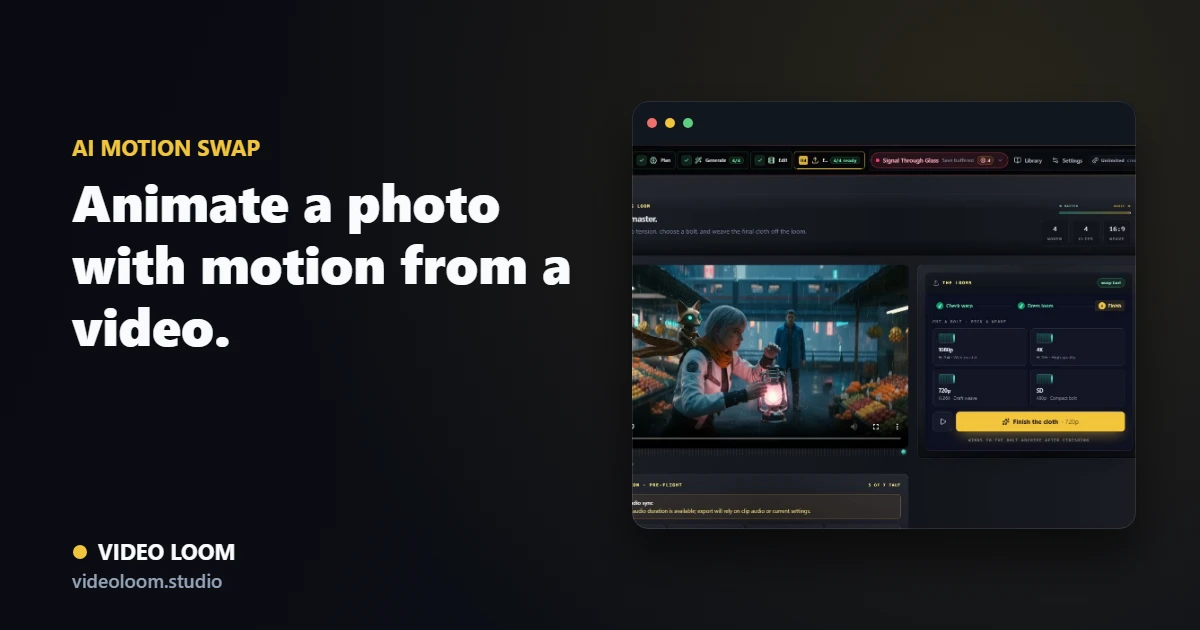
Motion swap takes a still image and a driver video, then transfers the performance — movement, gesture, timing — from the clip onto the photo. Video Loom keeps the source image, driver clip, face-map review, and generated take in the same project as the rest of the edit.

Video Loom motion swap workflow with a source photo, driver video, and generated performance take

Start with a photo and a driver clip

Bring in the still image you want to animate and the video whose motion should drive it — a performance take, a reference clip, or a previous generated shot.

  • Photo plus driver-video motion transfer input.
  • Works with character portraits, product shots, and presenter images.
  • Source image and driver clip stay attached to the scene.

Review the face-map before you commit

Motion swap surfaces a repairable, context-aware face-map warning when the mapping looks uncertain, so you can catch a bad transfer before spending on the full generation.

  • Face-map warning with repair guidance, not a silent failure.
  • Preview context before the take is generated.
  • Retry the swap without losing the rest of the project.

Finish the animated shot

The generated motion-swap take moves into the same timeline as other scenes, with captions, transitions, and export controls ready to use.

  • Timeline assembly alongside generated and source clips.
  • Continuity references carried into the next scene.
  • Export-ready motion-swap shots from the same project.

Questions

What teams ask before opening the app.

What is AI motion swap?

AI motion swap animates a still photo using the motion — movement, gesture, and timing — captured in a separate driver video, producing a moving shot from the photo.

Can I animate a photo with motion from a video I already have?

Yes. Upload or select a driver clip and a source photo, and Video Loom transfers the motion from the clip onto the still image.

What happens if the face-map looks wrong?

Video Loom surfaces a repairable, context-aware face-map warning before you commit, so you can adjust the source image or driver clip and retry instead of getting a silently broken take.

Can a motion-swapped shot sit next to my other scenes?

Yes. The generated motion-swap take joins the same timeline, continuity library, and export path as every other scene in the project.