
Video Loom

Talking photo generator

Make a photo talk with AI.

Turn a portrait, character image, or presenter photo into a talking video: add a script or recorded audio, generate the lip-synced performance, and review mouth sync and captions before export — all inside the same project as the rest of your edit.

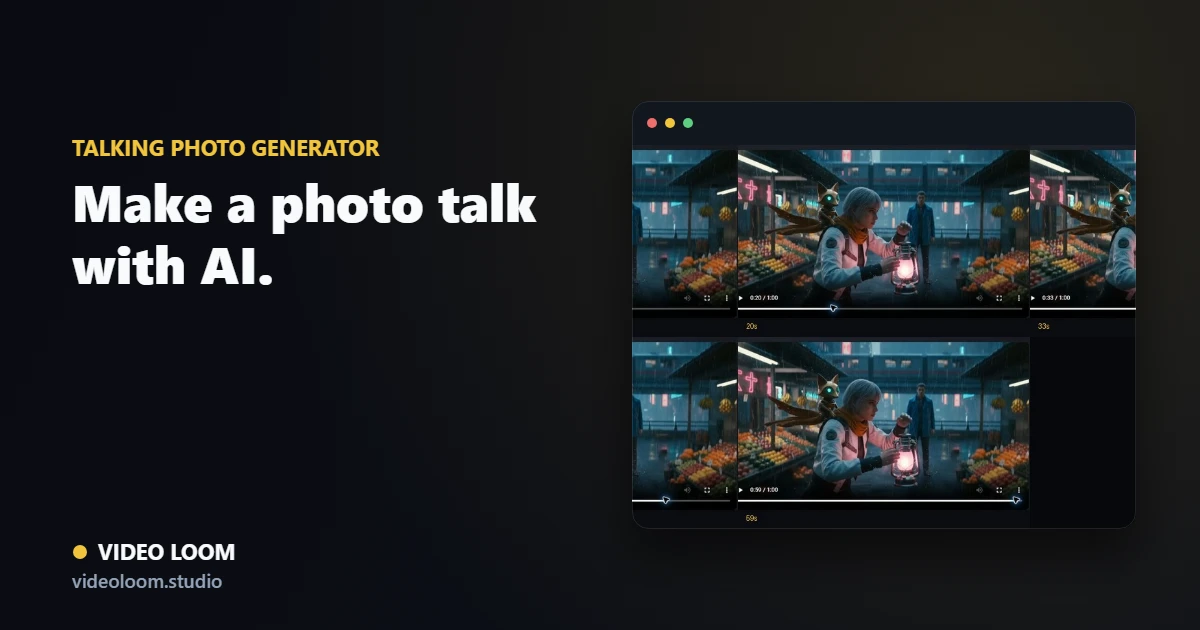
Video Loom talking photo workflow with a portrait image, script, lip sync, and export review

Start with one clear photo

Choose a front-facing portrait, generated character image, or presenter photo with a readable mouth and face, then frame it for the channel you are delivering to.

  • Portrait, character, or product-spokesperson images.
  • 16:9, 1:1, or 9:16 framing before generation.
  • Style and usage notes travel with the scene.

Add the line and generate the talk

Drive the talking photo from a typed script or uploaded audio, then generate the lip-synced performance while speaker and caption context stay attached for review.

  • Typed script or uploaded/recorded audio as the driver.
  • Speaker identity and pronunciation notes kept with the scene.
  • Caption cues seeded from the same script.

Review sync, then export

Check mouth-sync accuracy and caption timing on the same timeline used for the rest of the project, then export the finished talking-photo cut.

  • Mouth-sync and caption review before export.
  • Timeline assembly alongside other scenes.
  • Social, explainer, and presenter delivery paths.

Questions

What teams ask before opening the app.

How do I make a photo talk with AI?

Upload a portrait or character image, add a script or audio line, generate the lip-synced take, then review mouth sync and captions before export.

Can I use my own recorded voice instead of AI narration?

Yes. Talking photo generation accepts uploaded or recorded audio as the driver, alongside typed script and configured text-to-speech routes.

Is this the same as AI lip sync for video clips?

Talking photo is the image-to-performance path: one photo becomes a talking take. The lip-sync workflow also covers syncing an existing video clip to new audio — both share the same review and export path.