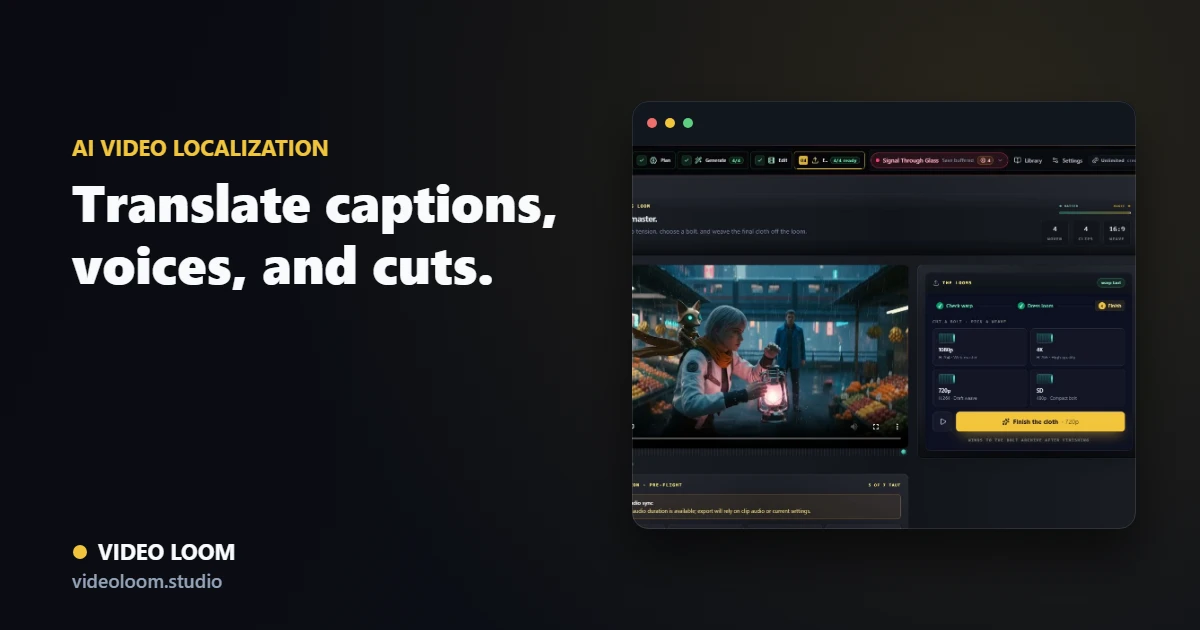
Turn an audio track, recorded dialogue, explainer script, or presenter clip into a localization workflow that keeps transcripts, translated-caption notes, voice assignments, lip-sync checks, and final delivery settings together. Video Loom helps production teams plan multilingual edits without splitting caption, voice, and export review across disconnected tools.
Upload audio or video, transcribe the dialogue, and keep caption cues, speaker notes, and localization notes attached to the project timeline.
Transcribe audio or video before caption review.
Caption language notes tied to source media.
SRT, VTT, transcript, and caption export paths.
Plan translated reads and voice maps
Use the production plan to track source and target language notes, translated reads, speaker assignments, and voiceover needs before generating or reviewing localized scenes.
Voice map and speaker notes preserved with scenes.
Translated read planning for dubbing passes.
Configured TTS routes can support voiceover generation.
Review lip sync and delivery
Check localized captions, mouth-sync handoff, platform timing, and export readiness from the same timeline used for the final video cut.
Lip-sync review for dubbed speaker clips.
Caption template and platform timing guards.
Localized export notes for social, explainer, and client review.
Search route
Use this page when the search starts with AI video localization.
Translate captions, voice maps, lip-sync review notes, and timeline exports for localized video projects. The related searches below describe the same production job with different buyer language.
Primary intentAI video localization
Translate captions, voice maps, lip-sync review notes, and timeline exports for localized video projects.
Related searchvideo localization
video localization maps to AI video localization workflows in Video Loom.
Related searchAI video translator
AI video translator maps to AI video localization workflows in Video Loom.
Related searchtranslate video captions
translate video captions maps to AI video localization workflows in Video Loom.
Related searchvideo dubbing AI
video dubbing AI maps to AI video localization workflows in Video Loom.
Can Video Loom help translate captions for a video?
Yes. Video Loom keeps transcripts, caption cues, translated-caption notes, and export paths together so a localized edit can be reviewed from one project state.
Can I plan dubbed video and lip-sync review in the same workflow?
Yes. Voice maps, translated reads, speaker assignments, caption notes, and lip-sync review can stay attached to the same scenes before export.