
Video Loom

AI voiceover video generator

Generate voiceover and finish the video.

Turn a script, explainer outline, product brief, or localized dialogue pass into generated narration that stays attached to the same project as scenes, captions, source clips, and export settings. Video Loom keeps voice choice, timing, caption cues, and timeline finishing in one workflow.

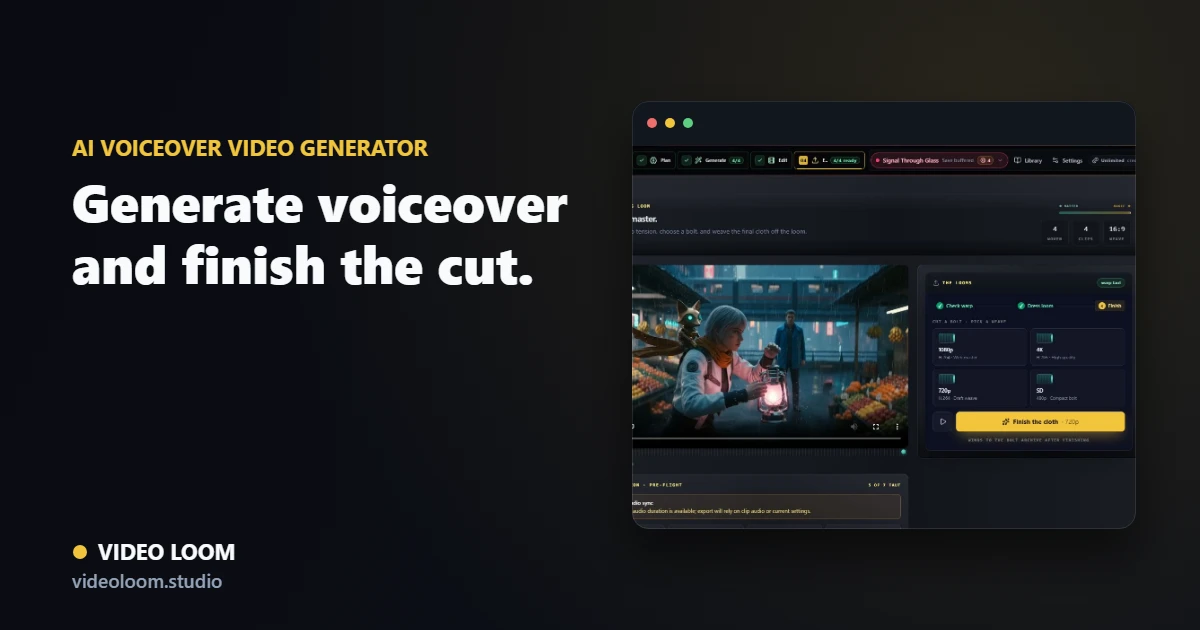
Video Loom voiceover workflow with TTS voice selection, narration timing, captions, and export controls

Write narration with the scene plan

Draft narration, speaker notes, or explainer copy while the storyboard and source clips stay visible, so voiceover fits the actual edit.

  • Script, explainer, product, and localization starts.
  • Narration notes tied to scene timing.
  • Voiceover context preserved for export handoff.

Preview and generate voices

Choose a configured text-to-speech provider, preview voices, and generate narration audio without moving the project into a separate tool.

  • OpenAI, Gemini, xAI, and ElevenLabs TTS routes where configured.
  • Voice preview before generation.
  • Generated voiceover can become project audio.

Sync captions and export

Seed captions from script or narration, check timing against the timeline, and export a captioned cut with the voiceover in sync.

  • Caption cues aligned to narration.
  • Timeline finishing with generated and source clips.
  • Synced voiceover exports for explainers and social cuts.

Questions

What teams ask before opening the app.

Can Video Loom generate AI voiceover from a script?

Yes. You can write narration, select a configured TTS provider and voice, preview the voice, and generate audio for the project.

Can I sync captions with the generated voiceover?

Yes. Captions can be seeded from script or narration cues, adjusted on the timeline, and exported with the final voiceover cut.