
Video Loom

AI lip sync video generator

Lip sync video without leaving the edit.

Turn a source video, character shot, product presenter, or talking-photo brief into a synced performance workflow. Video Loom keeps the speaker, voice source, caption cues, source clip, generated take, and final export review together so lip-sync passes do not get separated from the rest of the project.

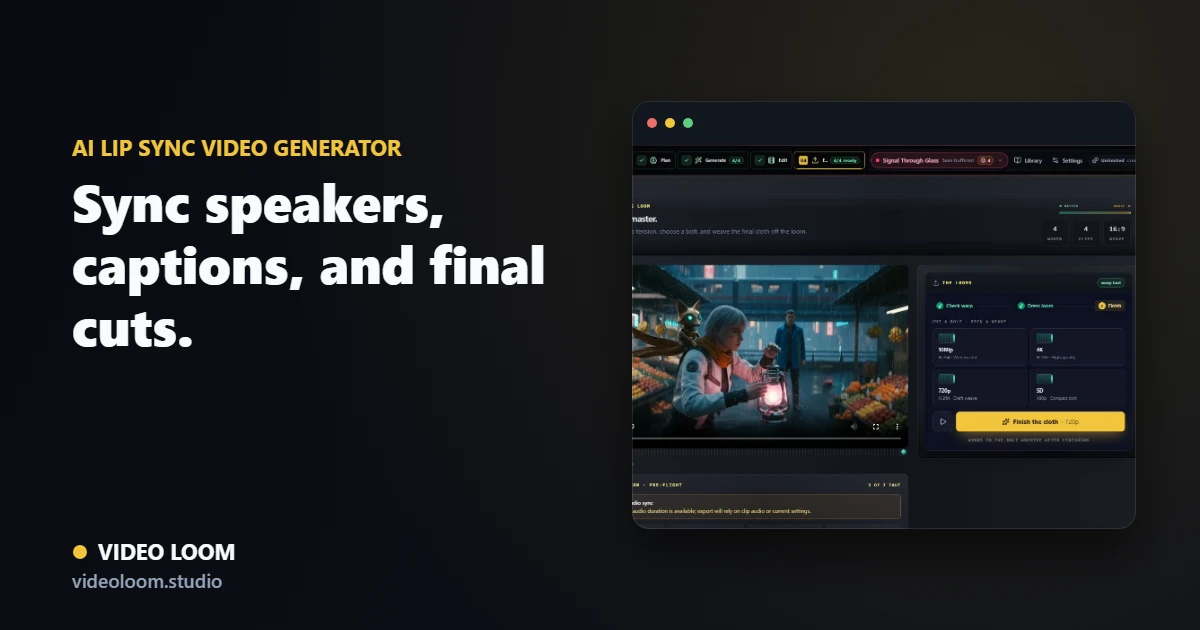
Video Loom lip-sync workflow with source video, speaker assignment, generated voice, captions, and export review

Start from video, image, or script

Use an existing character clip, a talking-photo image, recorded audio, or typed narration as the input for a synced performance pass.

  • Scene lip-sync for generated or source video takes.
  • Talking-photo generation from image plus audio or text.
  • Script and voiceover context preserved in the project.

Assign the speaker and voice

Keep character identity and voice choices visible before generation, including speaker assignment for dialogue and presenter-style scenes.

  • Speaker selection from bound cast and voice profiles.
  • TTS or uploaded audio as the driving source.
  • Lineage back to the source take for review.

Review captions and export

Check mouth movement, caption timing, audio readiness, and final delivery settings in the same timeline used for the rest of the edit.

  • Caption and localization notes stay attached.
  • Timeline review before exporting a final cut.
  • Social, explainer, and product-presenter delivery paths.

Questions

What teams ask before opening the app.

Can Video Loom make a talking photo from an image and script?

Yes. The talking-photo workflow accepts an image plus audio or typed text where the configured service and voice routes are available.

Can I lip sync a generated or uploaded video clip?

Yes. Lip-sync tools can use a source video take and driving audio, then preserve speaker and source-take lineage for timeline review.

Is there a dedicated page for just the talking-photo path?

Yes. The talking photo generator page focuses on the single-image path: portrait in, script or audio in, lip-synced talking video out.