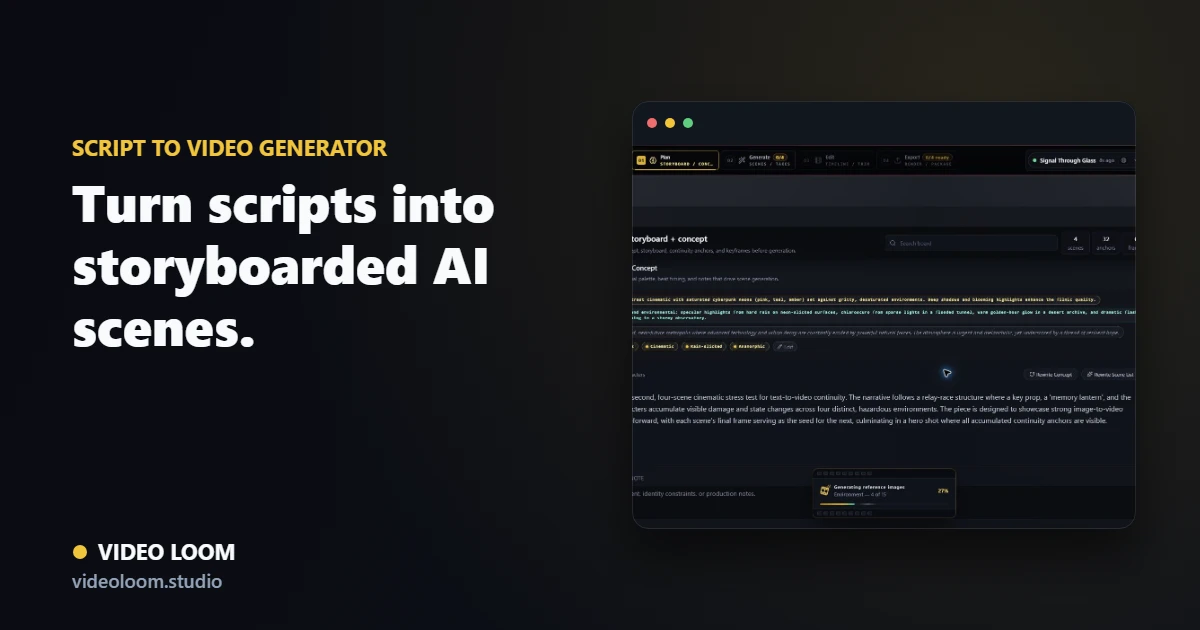
Paste a script, treatment, ad read, or creative brief. Video Loom breaks the writing into timed scenes, shot prompts, continuity anchors, provider routes, review steps, caption cues, and a timeline-ready export path.
Convert written direction into a production plan before generation starts, so each beat has a duration, visual job, camera note, and handoff target.
Script, treatment, brief, and ad-read inputs.
Timed scene beats with shot prompts and camera notes.
Storyboard review before model spend.
Preserve story and continuity
Recurring cast, locations, products, brand rules, and style references stay attached to the scene plan instead of disappearing after the first generated clip.
Continuity anchors for people, places, props, and style.
Caption and voiceover cues tied to the written beat.
Revision context for selective scene rewrites.
Generate scenes, then finish the cut
Route each scripted beat through the provider that fits it, compare takes, assemble generated clips with any source media, and export a synced cut from the same workspace.
Per-scene provider and model routing.
Take review and targeted regeneration.
Timeline assembly with captions, audio, and export controls.
Search route
Use this page when the search starts with script to video AI.
Break scripts into timed scenes, prompts, voiceover context, continuity notes, generated takes, and export-ready cuts. The related searches below describe the same production job with different buyer language.
Primary intentscript to video AI
Break scripts into timed scenes, prompts, voiceover context, continuity notes, generated takes, and export-ready cuts.
Related searchScript to video generator
Script to video generator maps to Script to video generator workflows in Video Loom.
Related searchAI script to video
AI script to video maps to Script to video generator workflows in Video Loom.
Related searchturn script into video
turn script into video maps to Script to video generator workflows in Video Loom.
Related searchscripted AI video scenes
scripted AI video scenes maps to Script to video generator workflows in Video Loom.
Yes. Video Loom turns scripts, treatments, ad reads, and creative briefs into timed scenes with shot prompts, continuity context, provider routing, and a timeline export path.
Is this only for text-to-video prompts?
No. The workflow starts from text, but the finished project can combine generated scenes, source footage, still images, voiceover, captions, comments, and timeline edits.